
Software
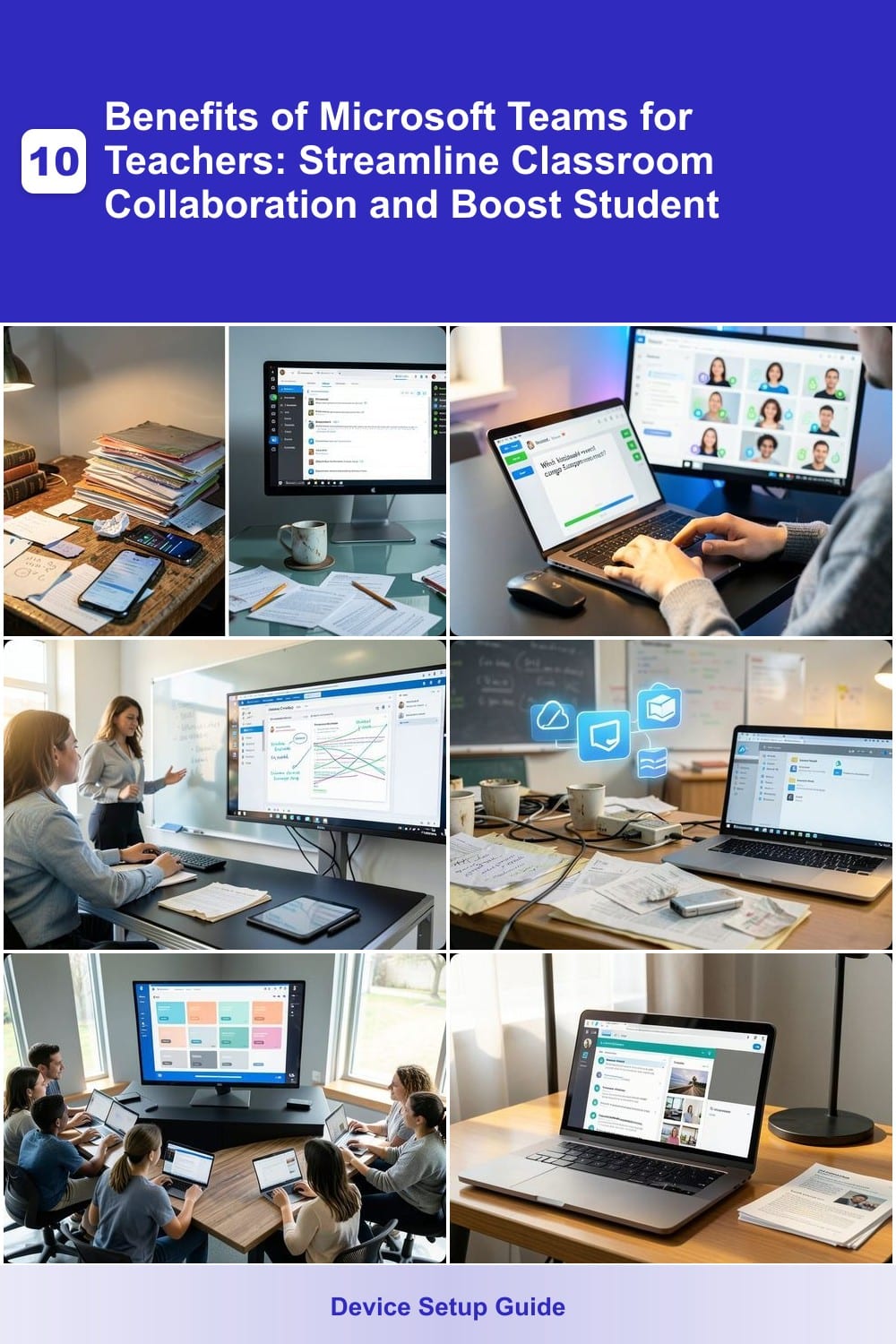
Microsoft Teams isn’t just for businesses—it’s a game-changer for educators. Discover how this powerful platform transforms classroom communication, simplifies lesson planning, and keeps students engaged in ways traditional tools can’t match.
Seamless classroom communication hub

Say goodbye to the chaos of scattered emails, lost paper notes, and missed messages—Microsoft Teams transforms your classroom into a single, organized communication hub where every announcement, update, and quick interaction lives in one place.
Create dedicated channels for announcements, assignments, and Q&A, ensuring students never miss critical updates. The persistent chat history lets you (and students) search past conversations, while @mentions guarantee urgent messages get seen. With hybrid-friendly features like screen sharing and live captions, you can host virtual office hours or parent-teacher meetings without switching apps. Plus, the mobile app keeps you connected whether you're grading at home or walking the hallways.
This is your secret weapon for hybrid and distance teachers who need a reliable way to bridge the gap between in-person and virtual learning—keeping everyone informed, engaged, and on the same page. 💻
Real-time student engagement tools

Struggling to keep virtual students engaged during live lessons? Microsoft Teams’ real-time engagement tools turn passive viewers into active participants with just a few clicks. The live polls and quizzes feature lets you create instant assessments—multiple-choice, true/false, or even open-ended questions—while students react with emojis or raise hands to signal understanding.
With data-driven insights, you’ll see real-time results on your screen, identifying misconceptions immediately. The reaction buttons (thumbs up, clapping, confused face) give you instant feedback on comprehension, while breakout room quizzes let you assess small groups independently. Best of all, these tools integrate seamlessly with Microsoft Forms for graded assignments or OneNote for interactive discussions.
This is a game-changer for virtual and hybrid teachers who need to keep energy high in digital classrooms. Whether you're teaching math, science, or language arts, these tools make lessons dynamic and data-backed—no more guessing if students are following along. ✨
Collaborative lesson planning
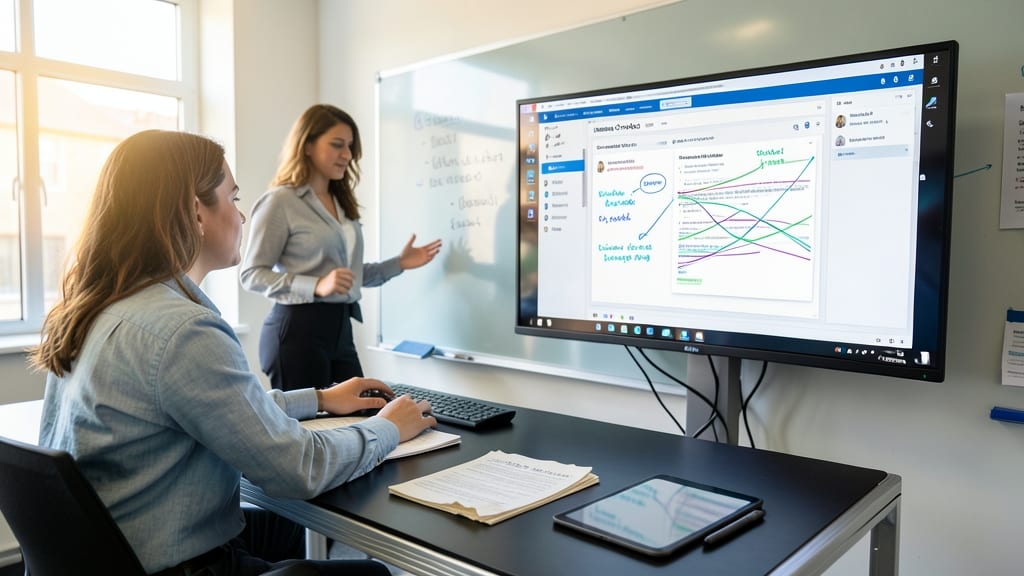
Tired of endless email chains or lost lesson plan drafts? Microsoft Teams turns collaborative lesson planning into a seamless, real-time experience—no more version control headaches or miscommunication between departments.
With shared OneNote notebooks and Word/Excel co-authoring, teams can draft, review, and finalize lesson plans, rubrics, and resource lists simultaneously. The @mentions feature ensures no one misses updates, while file versioning keeps track of changes automatically. Need to align math and science curricula? Create a dedicated channel where both departments can contribute—all while maintaining consistent standards across grade levels.
This is a game-changer for department heads, grade-level teams, and curriculum coordinators looking to cut planning time by 40% while ensuring every student gets the same high-quality resources. ✨
Secure file sharing and storage

Tired of chasing down lost USB drives or digging through piles of paper? Microsoft Teams integrates OneDrive and SharePoint to create a seamless, cloud-based storage solution that keeps all your files—lesson plans, student work, and admin documents—securely organized and easily accessible from any device.
With version history enabled by default, you can track changes, restore previous drafts, and even see who made edits—no more guessing who last saved that important rubric. Files sync automatically across devices, so your latest lesson plan is always up to date, whether you're grading at home or teaching in class. Plus, permissions controls let you share documents with students or colleagues while keeping them private from others.
This is especially valuable for teachers juggling multiple classes or grade levels, as it eliminates the chaos of physical file storage. Whether you're collaborating on a unit plan or assigning digital homework, Teams keeps everything in one place—secure, organized, and ready when you need it. ✨
Virtual classroom breakout rooms
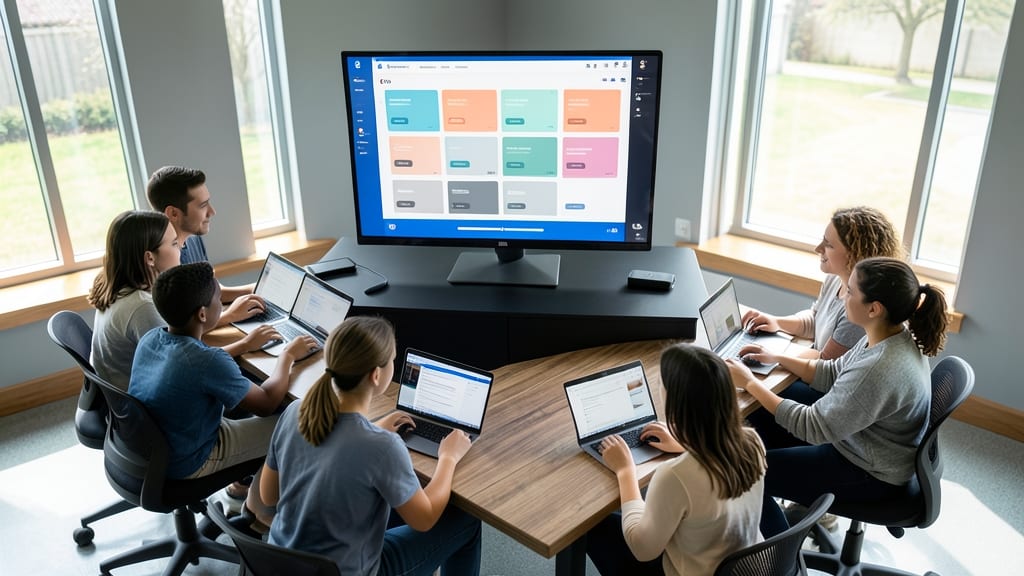
Tired of shuffling students between physical spaces or juggling multiple apps for group work? Microsoft Teams’ virtual breakout rooms let you split your class into focused discussion groups with just a few clicks—no extra logins or complicated setups required.
Create up to 50 breakout rooms (or fewer for smaller groups) and assign students automatically or manually. The timer feature ensures discussions stay on track, while teachers can hop between rooms to monitor progress or join specific conversations. Perfect for language labs, where students practice speaking in small groups, or project-based learning, where collaboration is key. You can even pre-assign rooms based on student needs for differentiated instruction.
This tool is a lifesaver for hybrid or remote teachers who need to replicate in-person group dynamics digitally. Whether it’s peer tutoring, debate prep, or brainstorming sessions, breakout rooms keep the energy high without the chaos. ✨
Parent-teacher communication bridge
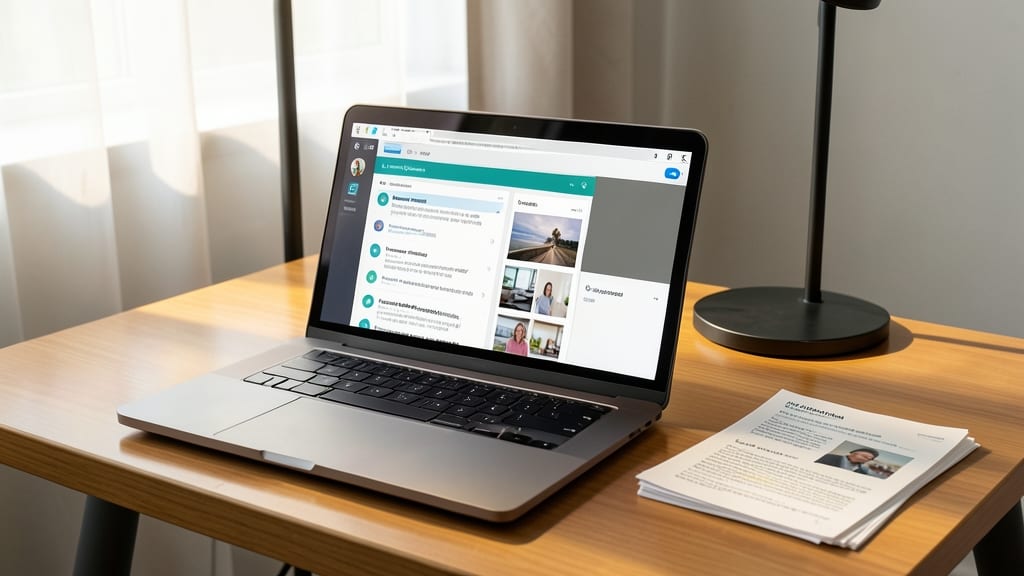
Tired of parents drowning in your personal email inbox with questions about assignments or classroom events? Microsoft Teams solves this with dedicated parent channels—a private space where you can share updates, homework reminders, and event announcements without clogging your inbox.
Create a #Classroom-Updates channel where you can post announcements, upload homework assignments as Word or PDF files, or even record quick video updates. Parents can subscribe to notifications, ensuring they never miss critical info—while you maintain professional boundaries. The @mention feature lets you tag specific parents for one-on-one follow-ups, and file storage keeps past assignments organized for quick reference.
This is perfect for elementary teachers juggling PTA communications or high school educators managing parent-teacher conferences. It turns scattered emails into a structured, searchable hub—saving you time and keeping families connected. ✨
Integrated Office 365 tools
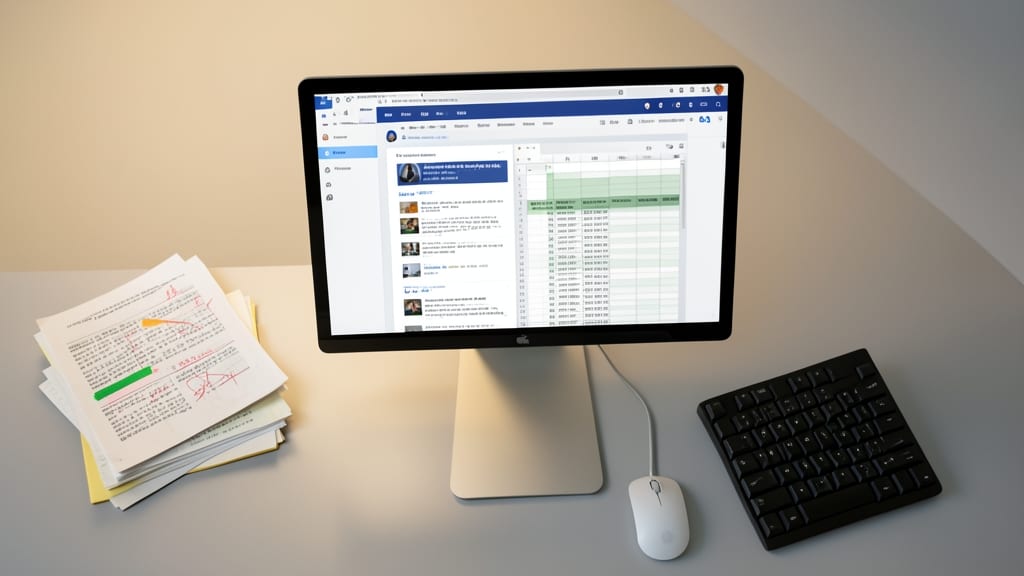
Tired of bouncing between apps to share assignments, grade papers, or present lessons? Microsoft Teams integrates Office 365 tools directly into your workflow, so everything stays in one place. No more exporting files or switching tabs—just drag and drop PowerPoint slides, Word docs, or Excel spreadsheets into chats or channels for instant collaboration.
Teachers can embed live presentations during class discussions, attach graded assignments with feedback, or even share interactive Excel gradebooks that update in real time. The integration works seamlessly with OneDrive, so version control and permissions sync automatically—no lost files or compatibility issues. Plus, students can edit documents directly in Teams without downloading separate apps.
This feature is a game-changer for busy educators juggling lesson prep, grading, and communication. Whether you're teaching hybrid classes or managing remote assignments, keeping everything in Teams saves time and keeps your workflow clutter-free. ✨
Accessibility features for all learners
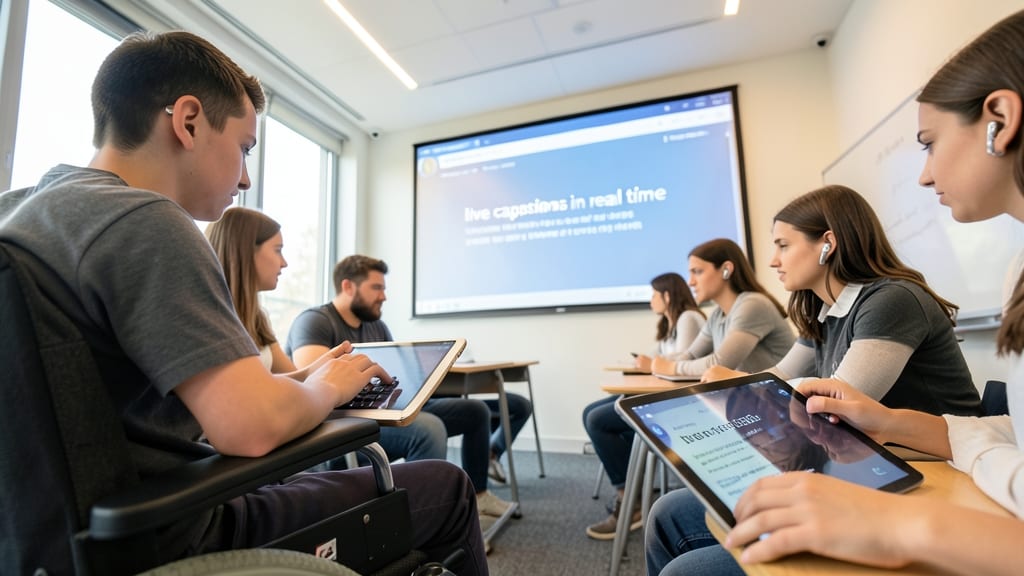
Every student deserves to engage fully in learning—yet many face barriers with traditional tech. Microsoft Teams removes those obstacles with built-in accessibility tools that adapt to individual needs, ensuring no learner is left behind during discussions or lessons.
Enable live captions in real time to support students who are deaf or hard of hearing, or those learning English as a second language. Adjust text size and contrast for visual impairments, while the screen reader (compatible with JAWS and NVDA) narrates on-screen content aloud. For tactile learners, immersive reader mode simplifies complex text with customizable fonts and line spacing.
This isn’t just about compliance—it’s about creating an inclusive classroom where every voice is heard. Perfect for special education teachers, ESL instructors, or any educator committed to equitable learning experiences. ✨
Automated attendance tracking
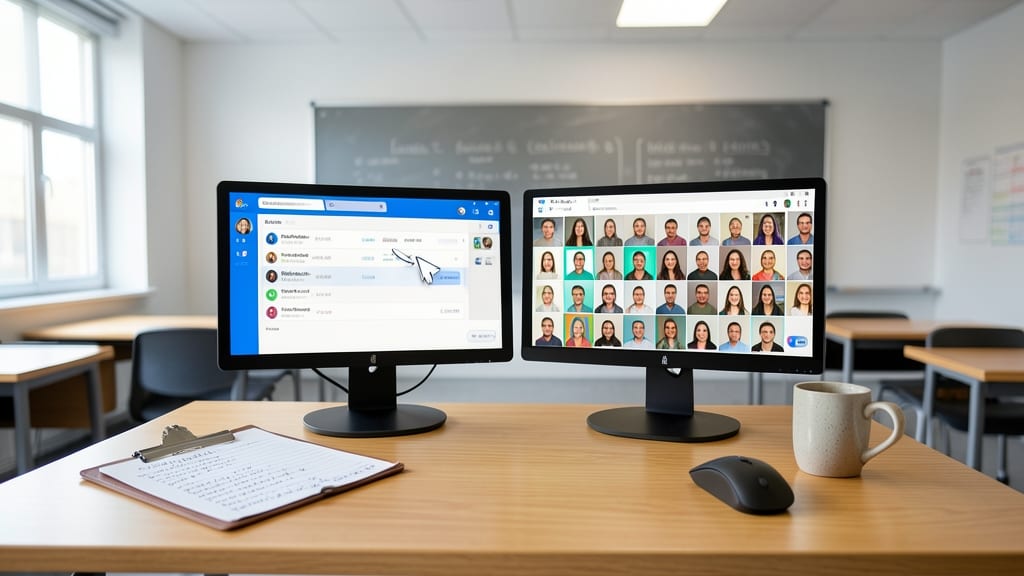
Tired of spending precious minutes taking attendance by hand? Microsoft Teams’ automated attendance tracking feature does the work for you—no clipboards or spreadsheets required. With just a few clicks, you can log participation during live classes, meetings, or even asynchronous sessions, ensuring accuracy while freeing up time for what matters most: teaching.
The system captures real-time attendance data for every student, including timestamps and duration of participation. This isn’t just about saving time—it also generates actionable reports that administrators can use for compliance, while special education teams can leverage the data for IEP documentation. Plus, the integration with Office 365 means these records sync seamlessly with other school systems.
Perfect for teachers juggling multiple classes or hybrid schedules, this feature ensures no student slips through the cracks—while giving you back hours each week. ⚡
Professional development network

Teaching can feel isolating, but Microsoft Teams turns that around with its educator-focused professional development networks. Join global communities where you can swap lesson plan ideas, troubleshoot tech hiccups, and learn from peers facing similar challenges—all in real time.
Explore pre-built Teams groups like the Microsoft Educator Community or subject-specific channels (e.g., STEM, special education) for tailored support. Share resources, attend virtual workshops, or even co-host PD sessions with colleagues across time zones. The integrated calendar keeps track of events, so you never miss a learning opportunity.
Perfect for new teachers or seasoned pros looking to refresh their methods, these networks turn solo struggles into shared solutions. 🌟