
Software
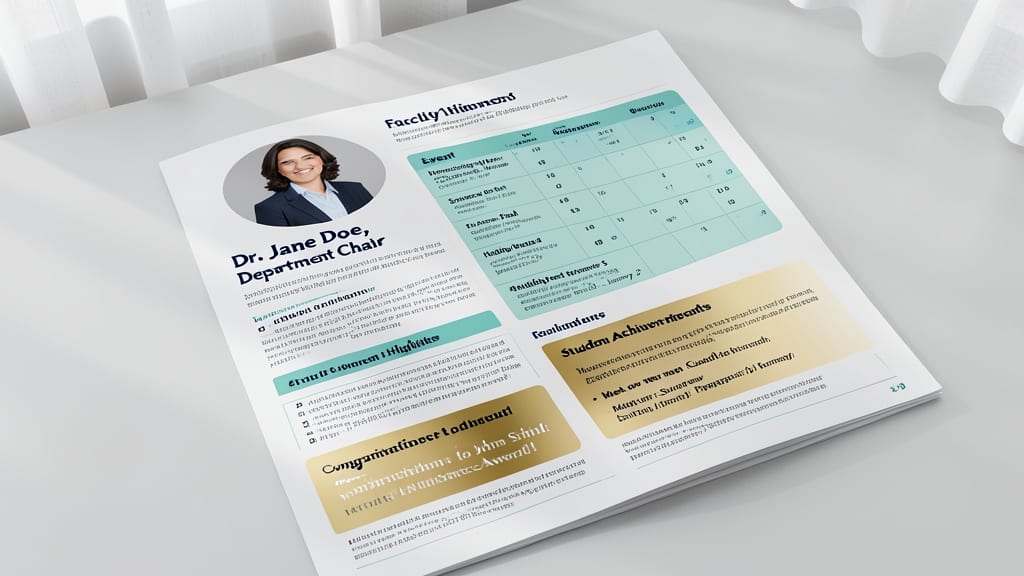
Struggling to create professional newsletters in Microsoft Word without spending hours on design? These 10 free, ready-to-edit templates will help you craft polished, branded communications in minutes—no graphic design skills required.
Modern Corporate Newsletter Template
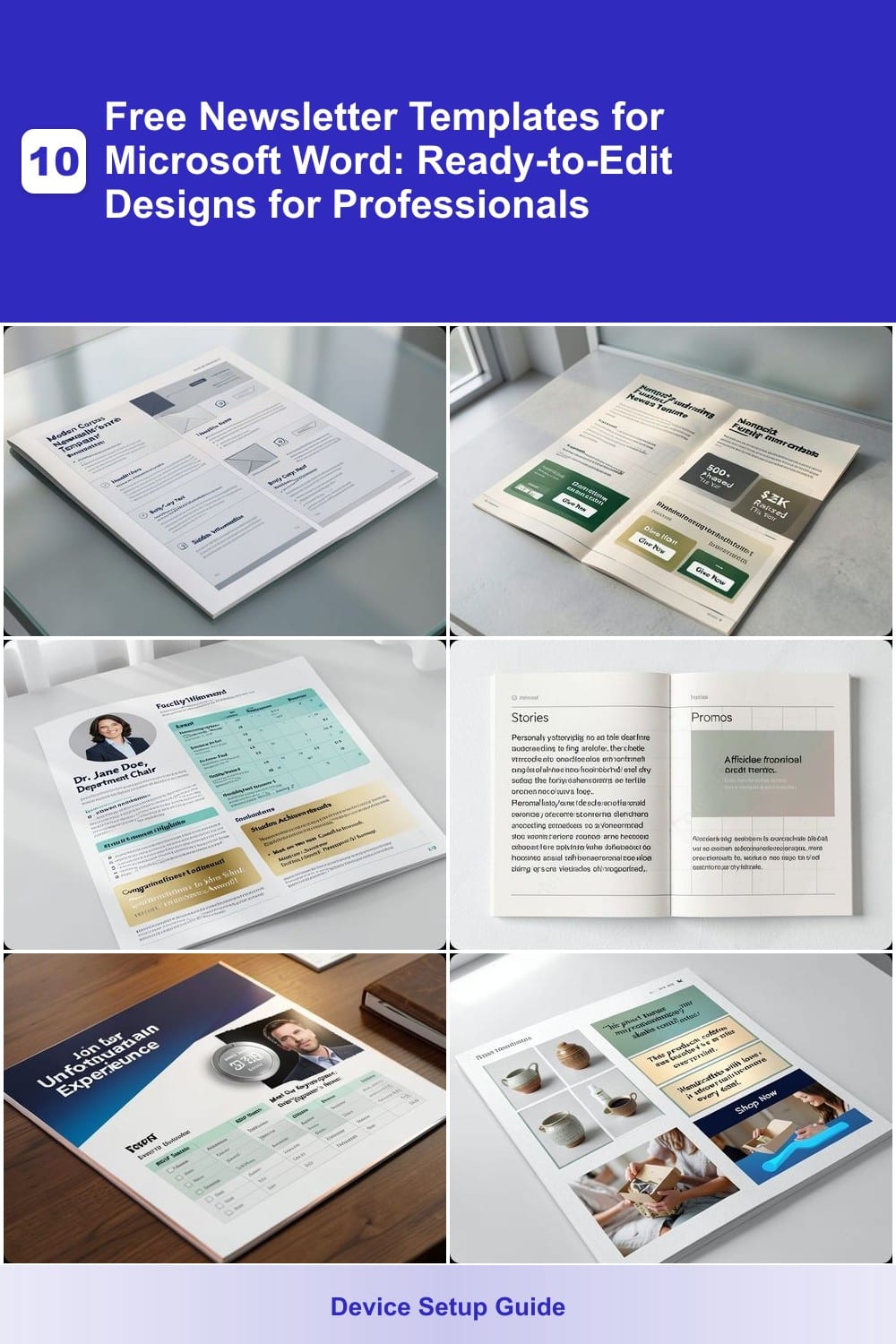
First impressions matter—especially in corporate communications. This Modern Corporate Newsletter Template delivers a minimalist yet professional design with geometric accents and a muted blue-gray palette that screams credibility without screaming for attention.
The template includes pre-formatted sections for executive updates, team spotlights, and data-driven insights—all with clean typography (Calibri and Arial) and subtle grid alignment for visual polish. Built for Microsoft Word 2016+, it’s fully editable, so you can swap in your logo, brand colors, and metrics in minutes. The sidebar layout keeps navigation intuitive, while the modular content blocks ensure your quarterly reports or client updates look as sharp as your strategy.
Perfect for marketing teams, executives, and PR professionals who need to balance professionalism with readability—without hiring a designer. Your message will land with confidence every time. ⚡
Nonprofit Fundraising Newsletter Design
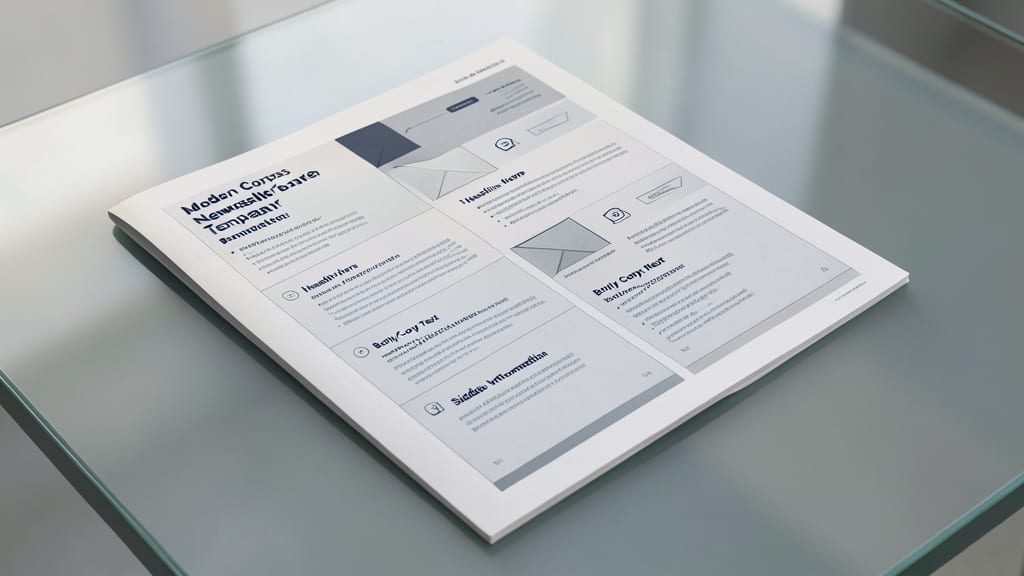
Move beyond generic designs with this Nonprofit Fundraising Newsletter Template, built to turn supporters into donors with every click. It includes dedicated donation callout boxes (with pre-formatted "Give Now" buttons) and impact metrics placeholders to visually showcase your mission’s reach—no design skills required.
The layout features a split-section design: one side for your mission statement and team spotlight, the other for event announcements and donor recognition. Warm color palettes and subtle watercolor textures create emotional connection, while image placeholders ensure your visuals align perfectly. Compatible with Microsoft Word 2016+, it’s ready for instant customization with your logo and branding.
Perfect for nonprofit communicators, volunteer coordinators, and fundraising teams who want to blend storytelling with clear calls to action. Your supporters will see the impact—and be inspired to contribute. ✨
Educational Institution Newsletter Layout
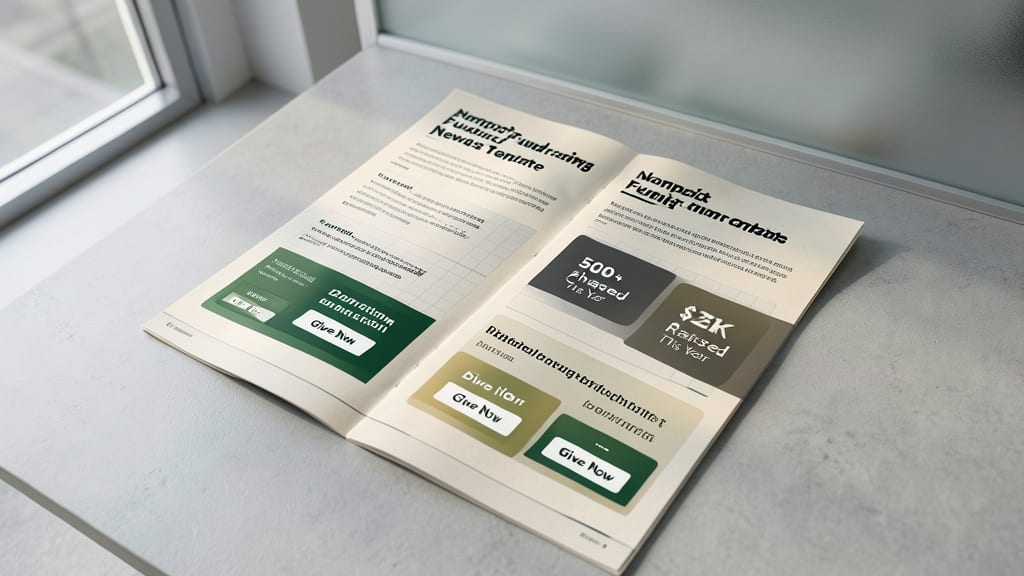
Need to keep parents, faculty, and students informed without reinventing the wheel? This educational institution newsletter template is built for schools and universities, featuring dedicated sections for faculty spotlights, event calendars, and student achievement highlights—all while maintaining a polished, brand-aligned look.
The template includes pre-formatted placeholders for academic logos, institutional colors, and even a dedicated "Quick Links" sidebar for syllabi or enrollment portals. With a clean, grid-based layout, you can easily swap in photos of student projects or event flyers without disrupting the design. It’s fully compatible with Microsoft Word 2016 and later, so no extra software is needed.
Perfect for principals, communications teams, or PTA leaders who want to streamline their messaging while keeping everyone engaged. 💻
Minimalist Blogger Newsletter Format
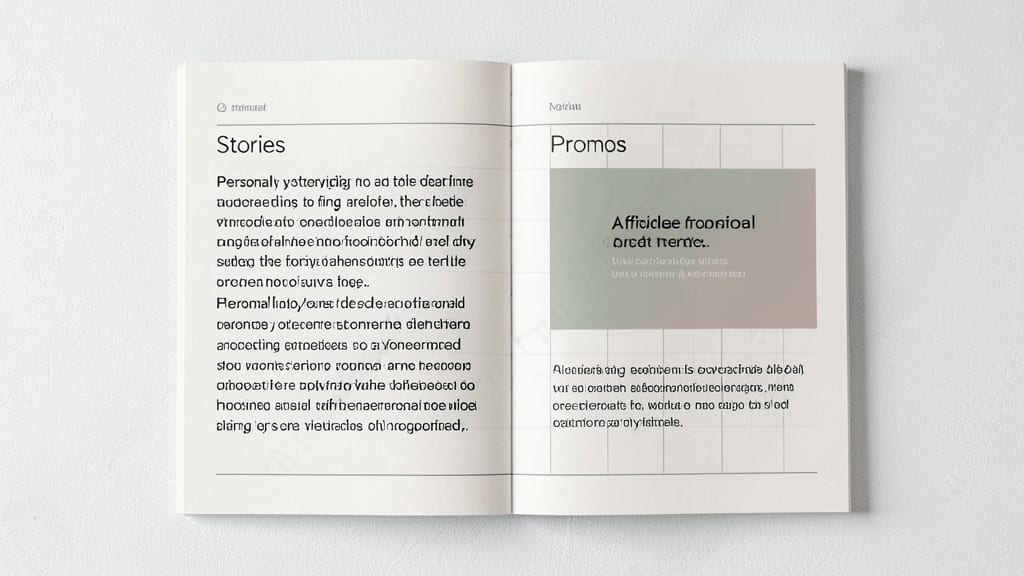
Tired of cluttered newsletters that distract from your content? This Minimalist Blogger Newsletter Format prioritizes readability with its two-column layout, ensuring your personal stories and affiliate promotions stand out without competing for attention.
The template includes dedicated sections for reader engagement (like Q&A or polls) and affiliate promotion placeholders with subtle borders. Soft pastel color schemes and ample white space create a calming aesthetic, while pre-formatted typography keeps your text hierarchy clean. Perfect for bloggers who want to focus on content, not design.
Ideal for solopreneurs, lifestyle bloggers, and digital creators who want to maintain a personal connection with their audience while subtly driving affiliate revenue. ✨
Event Promotion Newsletter Template
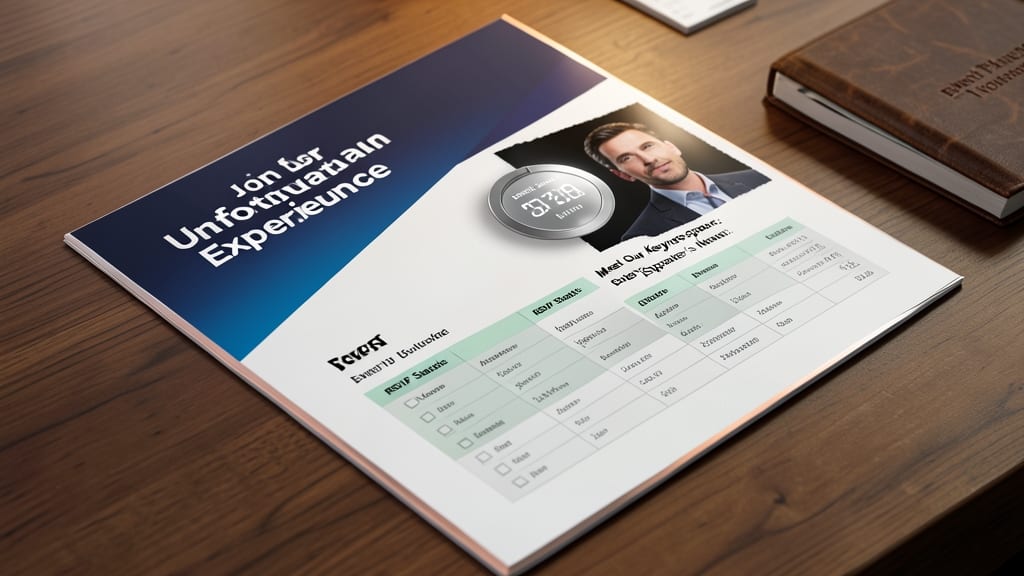
Turn your next event into a must-attend with this event promotion newsletter template—packed with tools to streamline planning and boost attendance. Designed specifically for organizers, it includes dedicated sections for RSVP tracking, countdown timers (to build excitement), and speaker spotlights with professional photo placeholders.
The template also features interactive QR code placeholders for instant ticketing links, eliminating the need for separate booking pages. Venue details, schedule grids, and sponsor acknowledgment sections ensure every aspect of your event gets the visibility it deserves. Compatible with Microsoft Word 2016 and later, it’s ready for instant customization with your branding.
Perfect for conference planners, wedding coordinators, and corporate event managers who need a hassle-free way to turn registrations into a seamless experience. ⚡
Small Business Marketing Newsletter
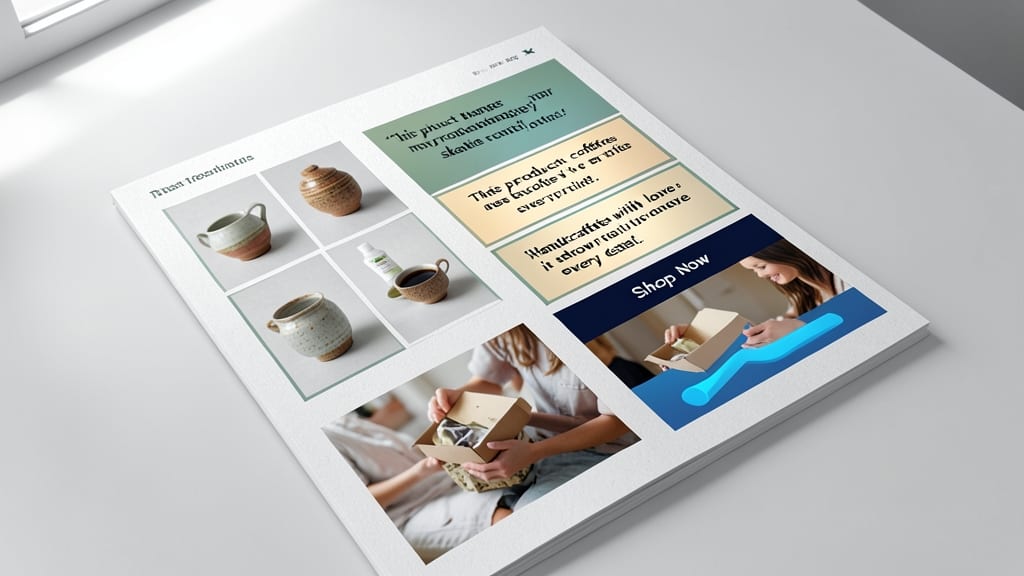
Turn casual readers into paying customers with this small business marketing newsletter template, designed specifically to showcase your products, share social proof, and convert clicks into sales. Unlike generic designs, this template includes dedicated sections for customer testimonials, promotional offers, and clear call-to-action buttons—all optimized to keep your audience engaged and motivated to act.
The layout features modular blocks for product highlights, a "Featured Customer" testimonial section with placeholder text, and a highlighted discount banner that stands out visually. Pre-formatted tables and icons make it easy to organize pricing, features, and limited-time offers. Plus, the brand-friendly color palette ensures your design stays consistent with your logo and marketing materials.
Perfect for solopreneurs, e-commerce stores, and local businesses looking to boost conversions, this template requires zero design skills—just drop in your content and hit send. ⚡
Holiday-Themed Newsletter Design
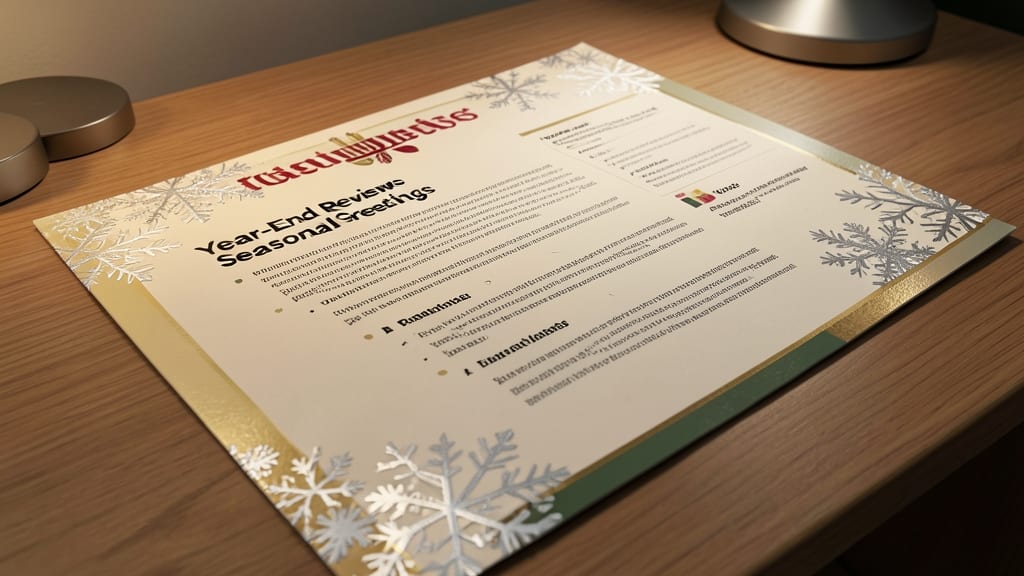
Skip the holiday design stress with this pre-built festive template—perfect for year-end reviews, holiday greetings, or seasonal promotions. Whether you're celebrating Christmas, Hanukkah, or New Year’s, the adaptable layouts and built-in festive graphics (like snowflakes and borders) let you swap themes in seconds.
You’ll find dedicated sections for seasonal messages, promotions, and countdowns—all while keeping your branding intact. The template works seamlessly in Microsoft Word 2016 and later, so no compatibility headaches. Plus, the lightweight design ensures fast loading, even when embedded in emails.
Ideal for small businesses, nonprofits, or anyone sending holiday cheer—just plug in your content and hit send. ✨
Two-Column Newsletter Template
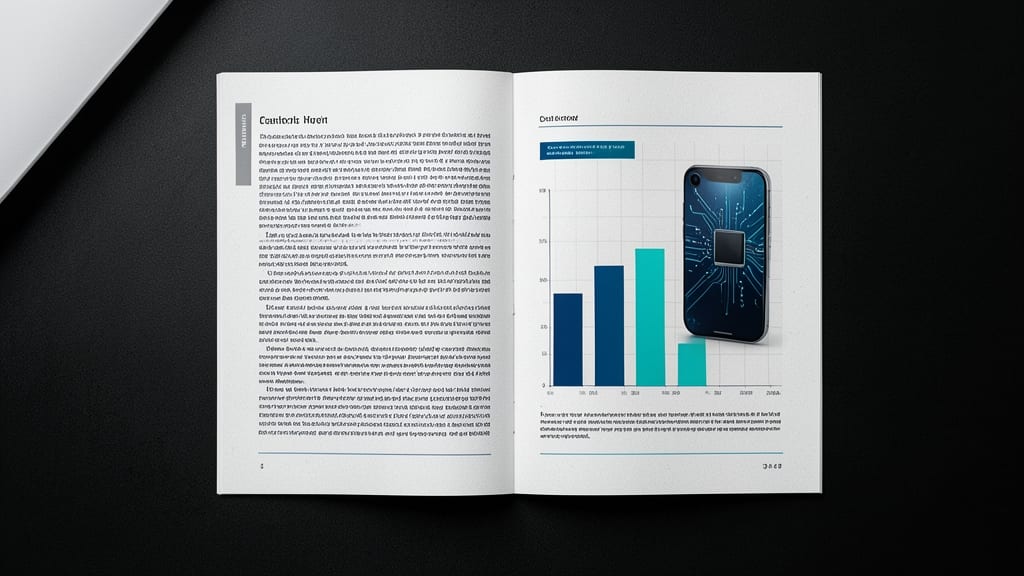
When your newsletter needs to juggle articles, data visualizations, and images without looking cluttered, this two-column template delivers the perfect balance. Designed for tech and media professionals, it separates content cleanly—one side for text-heavy updates and the other for visuals like charts or product screenshots.
The template includes pre-formatted placeholders for headings, body text, and image captions, ensuring consistency. With adjustable column widths, you can tweak the layout to prioritize either content or visuals. Built for Microsoft Word 2016 and later, it’s fully editable, so you can swap colors, fonts, and branding in seconds.
Ideal for tech startups, journalists, or analysts, this template keeps readers engaged by breaking up dense content. Perfect for monthly recaps, product launches, or industry trend reports. ✨
Accessible Newsletter Template for Screen Readers
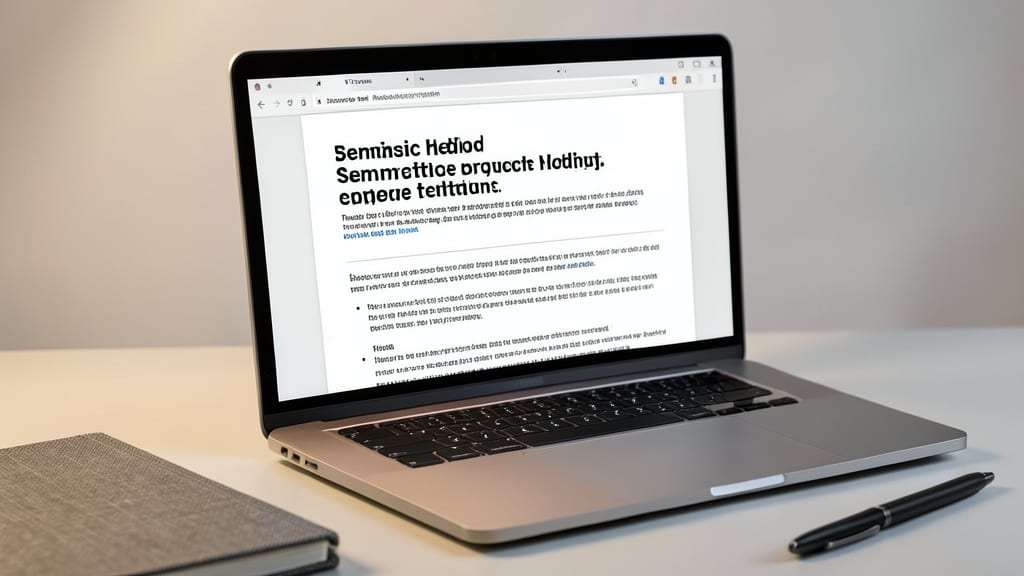
Not every audience reads newsletters the same way—this ADA-compliant template ensures 100% accessibility for screen readers while keeping design intact. Built with high-contrast text (black on white) and semantic heading hierarchy, it automatically announces content structure to assistive tech like JAWS or NVDA.
The template includes alt text placeholders for images and skip navigation links to streamline keyboard-only use. You’ll also find pre-formatted tables with ARIA labels and logical content flow to prevent screen reader confusion. Microsoft Word’s built-in accessibility checker validates compliance as you customize.
Perfect for government agencies, healthcare providers, or any brand prioritizing inclusivity, this template removes barriers without sacrificing professionalism. Your message reaches everyone—equally. ✨
Interactive Newsletter with Hyperlinks
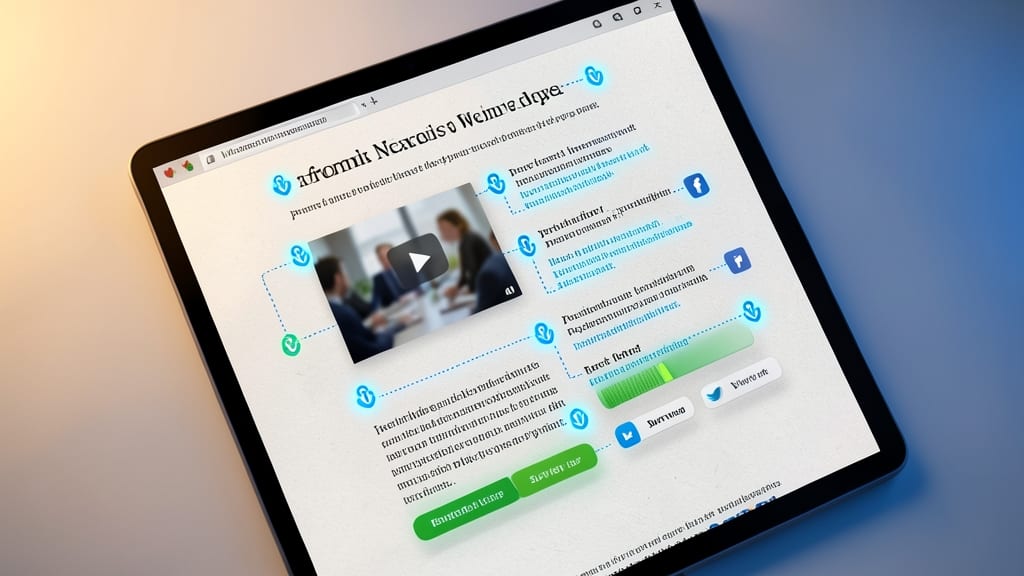
Turn static newsletters into dynamic experiences with this interactive template designed for digital engagement. Unlike traditional layouts, this template includes pre-formatted hyperlink placeholders that let you embed videos, surveys, and social media buttons—all clickable when shared as a PDF or web document.
You’ll find dedicated sections for survey links (using tools like Google Forms or Typeform), social media icons (with direct URL fields), and content links (for blog posts or articles). The template even includes alt text fields for accessibility, ensuring your interactive elements work for everyone. Best of all, it’s fully editable in Microsoft Word 2016 and later, so you can customize colors, fonts, and links without coding.
This is the perfect choice for tech companies, educators, or marketers who want to boost engagement without switching platforms. Your readers will interact directly with your content—no extra tools required! ✨