
PowerPoint
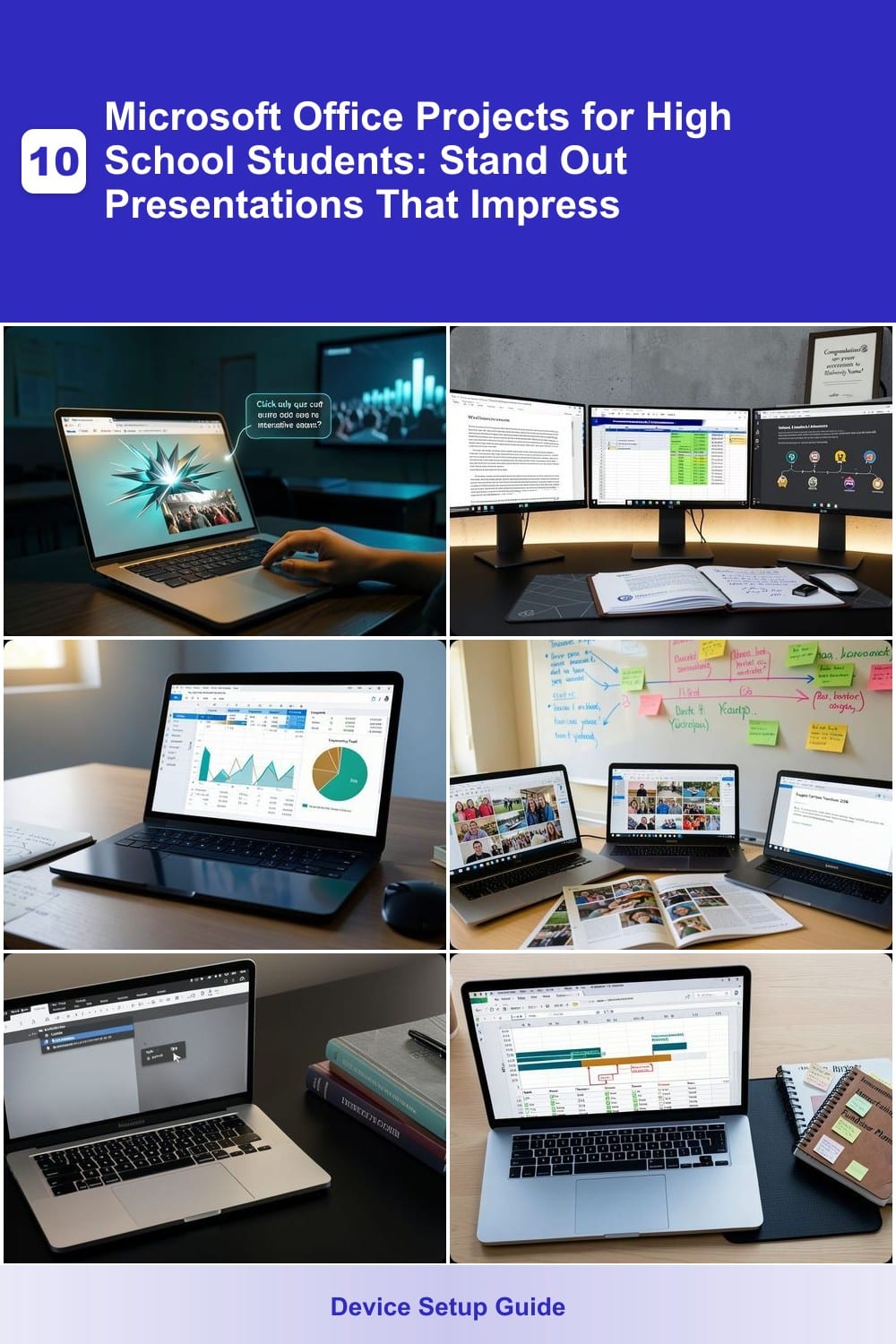
High school students need projects that showcase creativity and technical skills. These 10 Microsoft Office projects leverage PowerPoint, Excel, Word, and Outlook to create polished, professional work that stands out in class assignments and college applications.
Interactive Classroom Presentation with Animations

Tired of boring slides that put your classmates to sleep? An Interactive Classroom Presentation with Animations transforms your PowerPoint into a dynamic storytelling tool. This project teaches you how to use transitions, triggers, and multimedia to create slides that feel like a mini-movie—perfect for science experiments or historical timelines.
Start with morph transitions to smoothly animate data visualizations, then use triggers to reveal key details on click (like hidden images or audio clips). Embed short videos to demonstrate lab procedures or historical reenactments, and layer in custom animations to guide your audience through complex ideas. The Design tab lets you sync colors and fonts across slides for a polished look, while Presenter View helps you stay on track during delivery.
Ideal for science fair projects or history presentations, this skill set will make your work stand out in class—and impress teachers who’ve seen a thousand static slides. 💡
Personalized College Application Portfolio
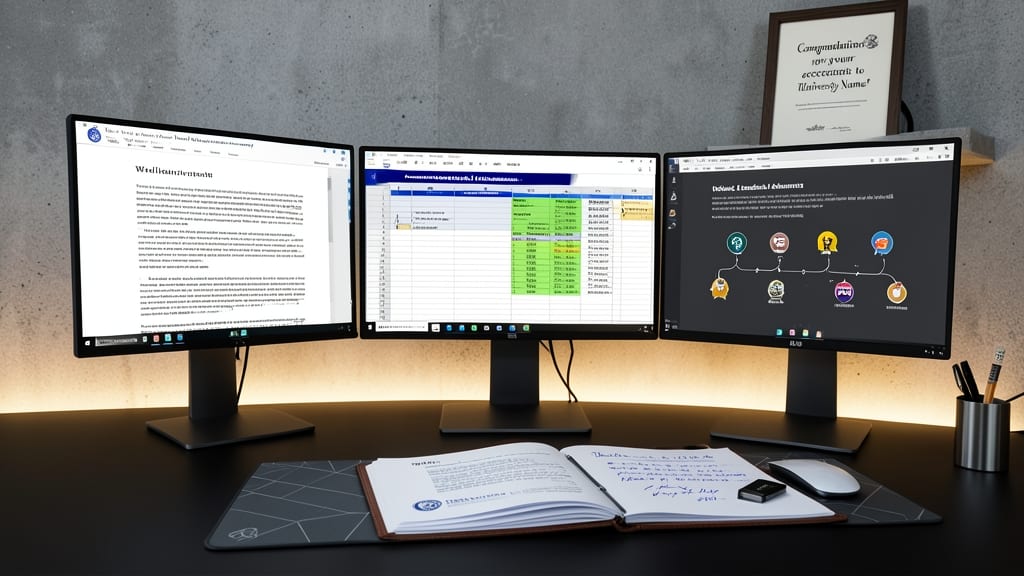
College applications don’t have to be a pile of scattered papers—turn yours into a cohesive digital portfolio that wows admissions officers. This project blends Word, Excel, and PowerPoint to organize essays, transcripts, and extracurriculars into one sleek, professional package, proving you’ve mastered Microsoft’s core tools and presentation skills.
Start with a Word document for polished essays (use the Navigation Pane to jump between sections) and a PowerPoint slide deck to highlight achievements with visuals. Then, create an Excel dashboard to track grades, awards, and volunteer hours—use conditional formatting to color-code GPA trends. Link everything together with a customized PowerPoint menu that lets reviewers explore your portfolio in seconds.
Perfect for juniors and seniors, this project demonstrates organization, tech proficiency, and self-marketing—exactly what colleges look for. Plus, you’ll have a reusable toolkit for internships and future job applications. 💪
Budget Tracker Spreadsheet with Visual Charts

Turn abstract financial concepts into hands-on learning with a Budget Tracker Spreadsheet that teaches real-world money management. This Excel project goes beyond basic calculations by incorporating pivot tables for dynamic data analysis and custom graphs to visualize spending patterns—perfect for business or economics classes.
Start with a template that includes categories like income, fixed expenses, variable costs, and savings goals. Use conditional formatting to highlight overspending and data validation to prevent errors. The real magic happens when you add interactive elements: a monthly summary dashboard with pie charts for expense breakdowns and a trend line graph to track savings progress over time.
This project isn’t just about numbers—it builds critical thinking by letting students adjust variables (like salary or rent) to see immediate financial impacts. Ideal for students exploring careers in finance, entrepreneurship, or even personal budgeting. ✨
Digital Yearbook with Photo Galleries
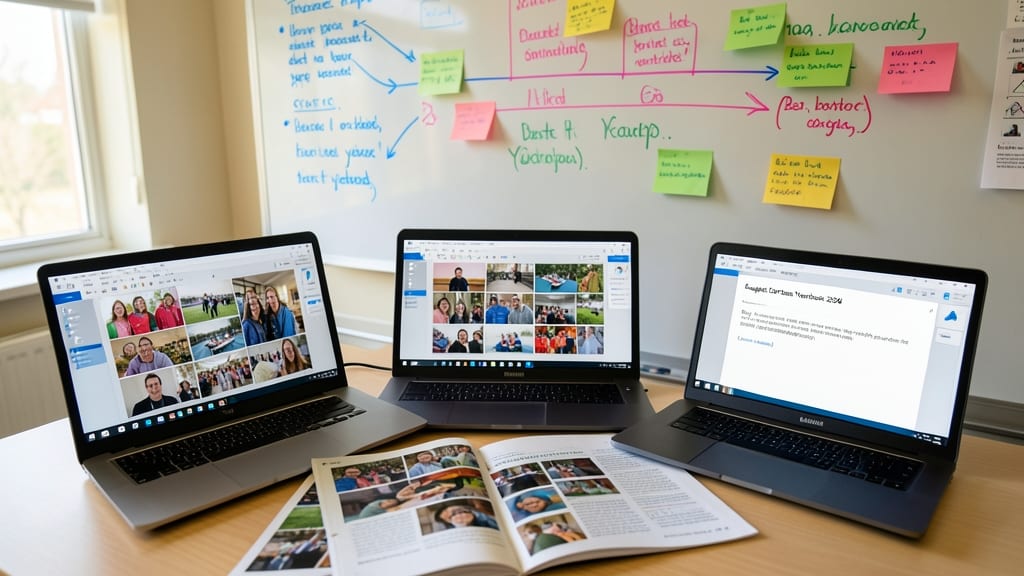
Turn class memories into a collaborative digital yearbook using PowerPoint’s photo galleries and Outlook’s email distribution—no coding required. This project lets your classwork shine by combining creativity with real-world tech skills, perfect for group assignments or club activities.
Start by designing a PowerPoint template with embedded photo galleries, hyperlinks to student bios, and interactive elements like clickable class schedules. Once complete, use Outlook’s email merge to distribute the yearbook digitally to classmates or teachers—no printing needed! The collaborative workflow teaches teamwork while showcasing design and communication skills.
Ideal for yearbook committees, history clubs, or end-of-year projects, this project stands out by blending visual storytelling with practical tech tools. ⚡
Research Paper with Embedded Citations

Struggling to format citations and footnotes in your research paper? Microsoft Word’s built-in tools make it easier than ever to create a professionally formatted paper with automatic citations and a dynamic table of contents—no manual updates required.
Start by using the References tab to insert citations in MLA, APA, or Chicago style with just a few clicks. The Table of Contents feature auto-generates a clickable outline, while footnotes and endnotes keep your sources organized. For extra polish, enable the Navigation Pane to jump between sections instantly.
This project is perfect for English or history students tackling research assignments. It teaches critical skills like source integration and academic formatting—skills that will impress teachers and prepare you for college-level work. ✨
Event Planning Timeline with Gantt Chart
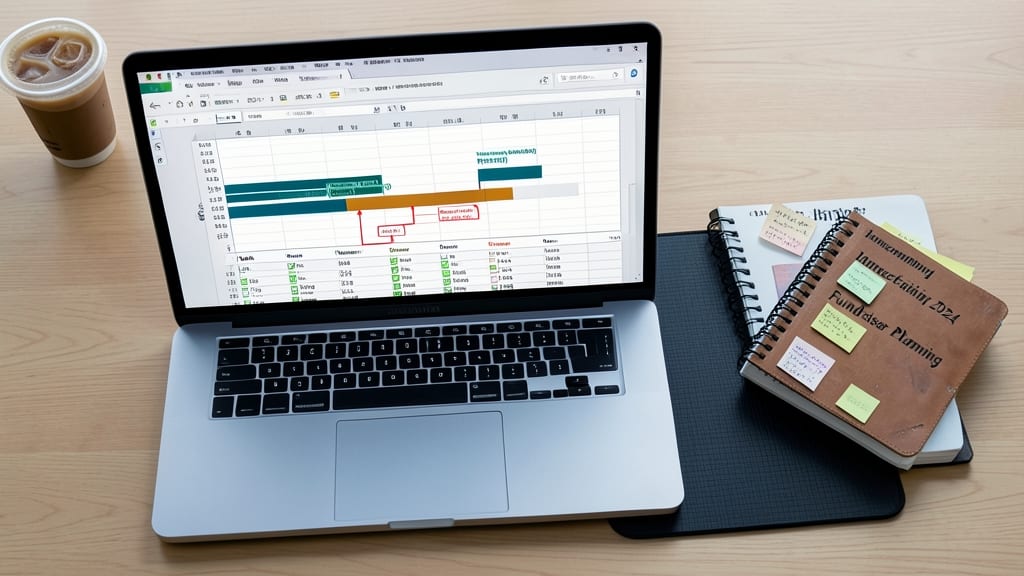
Turn chaos into clarity with an Excel-based Gantt chart that maps out every detail of your school event—from venue bookings to volunteer assignments. This project teaches you how to visualize timelines, assign deadlines, and track progress, making it the ultimate tool for student council presidents or club leaders.
Start by creating a color-coded timeline with milestones like "Permit Approval" or "Decor Setup," then use Excel’s built-in Gantt chart template to see dependencies at a glance. Add task owners and due dates to keep your team accountable—no more missed deadlines or last-minute scrambles. The best part? You’ll master real-world project management skills that translate to internships or future jobs.
Perfect for students organizing fundraisers, spirit weeks, or club meetings, this project helps you lead with confidence while building a skill set that impresses teachers and college admissions officers alike. ✨
Infographic Poster for Science Projects
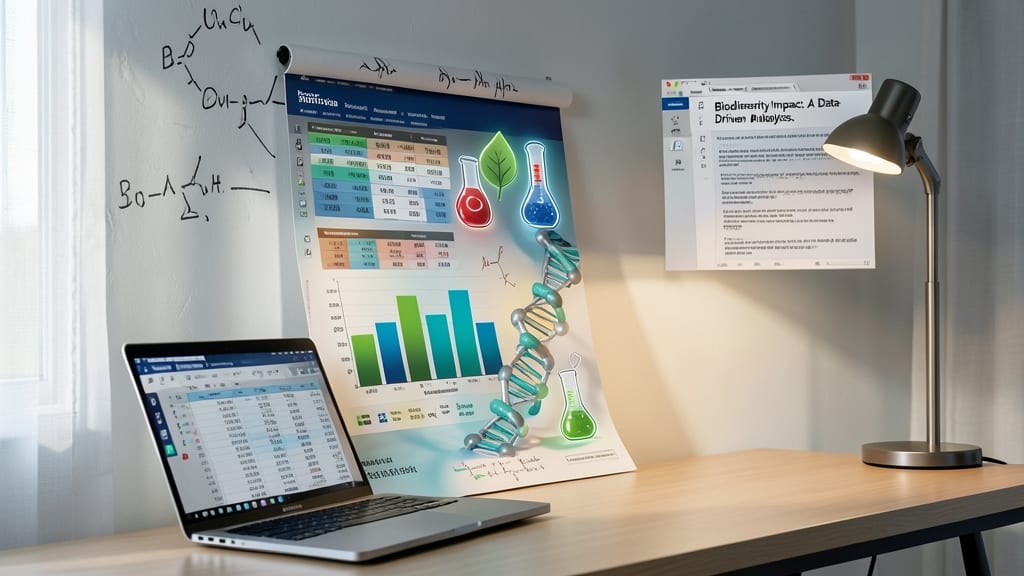
Turn dry science data into eye-catching visuals with a PowerPoint-Excel hybrid infographic that brings biology, chemistry, or environmental projects to life. This project merges the strengths of both tools—PowerPoint’s design flexibility with Excel’s data-crunching power—to create posters that combine charts, diagrams, and key findings in one polished package.
Start by building your data foundation in Excel: use pivot tables to organize complex datasets (like lab results or environmental metrics), then insert dynamic charts that auto-update with new numbers. Drag these charts into PowerPoint, where you can overlay them with custom shapes, icons, and annotations for clarity. Add a timeline of experiments or a comparison flowchart to make your findings unforgettable—teachers will love the professionalism, and classmates will actually read your posters.
This project is perfect for students tackling research-heavy assignments or those who want to visualize their experiments in a way that sticks. Whether you’re analyzing DNA sequences or tracking local air quality, this method turns raw data into a story worth telling. ✨
Automated Resume and Cover Letter
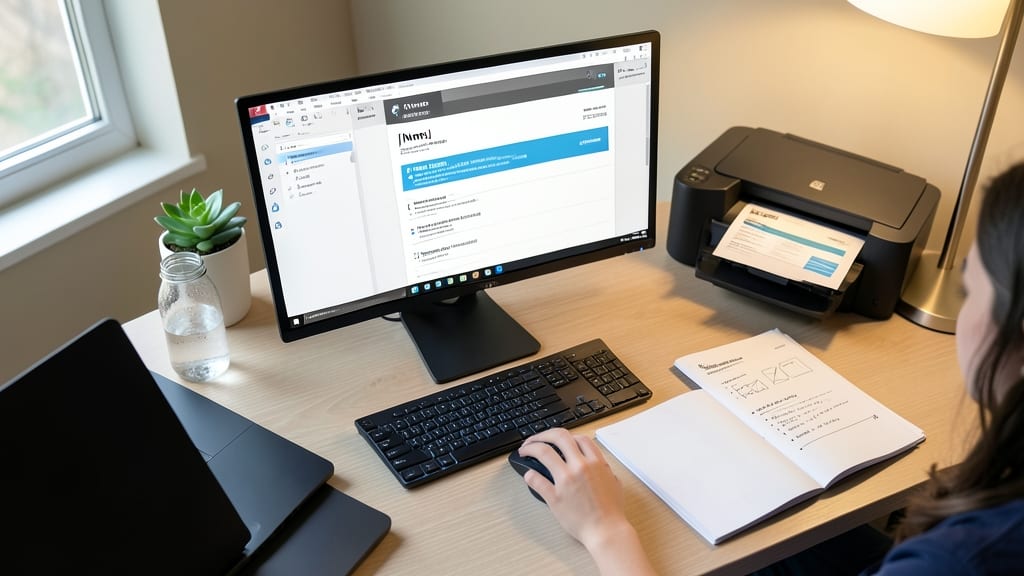
Standing out in internship applications starts with a polished, customized resume and cover letter—but creating them from scratch is time-consuming. This Word mail merge project teaches you how to automate the process using templates and dynamic fields, so you can generate professional documents in minutes.
Start with Microsoft’s free resume and cover letter templates, then use the mail merge tool to connect a spreadsheet of your skills, experiences, and job details. The result? A fully branded, error-free set of documents tailored to each application. You’ll learn how to format headers, adjust margins, and even add a personal touch with embedded graphics.
Perfect for students applying for internships, part-time jobs, or college applications, this project builds real-world skills that go beyond the classroom. 💻
Interactive Quiz Game in PowerPoint
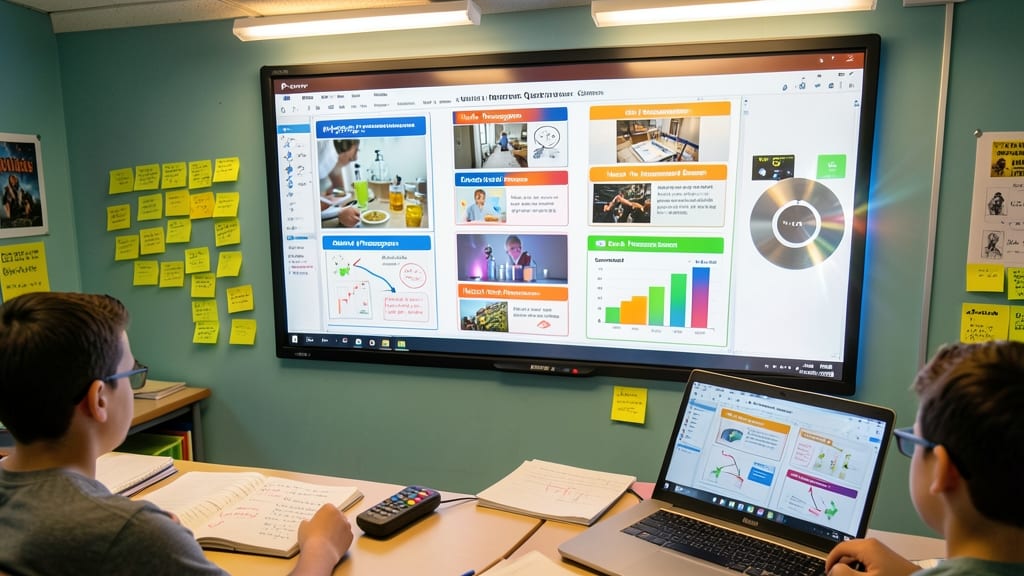
Turn passive study sessions into high-energy review games with an Interactive Quiz Game in PowerPoint. This project transforms static notes into an engaging, clickable experience using hyperlinks, triggers, and embedded media—perfect for mastering vocabulary, historical dates, or science concepts.
Start by designing multiple-choice questions with action buttons that reveal answers instantly. Use triggers to play sound effects for correct/incorrect responses, or embed short video clips to explain tricky topics. For extra flair, add a score tracker that updates automatically—no coding required! The best part? You can share it with classmates via email or a school portal for collaborative study sessions.
Ideal for study groups or solo review, this project reinforces material while teaching PowerPoint’s hidden features. Teachers love it too—it’s a creative way to demonstrate understanding beyond traditional tests. ✨
Digital Newsletter for School Clubs
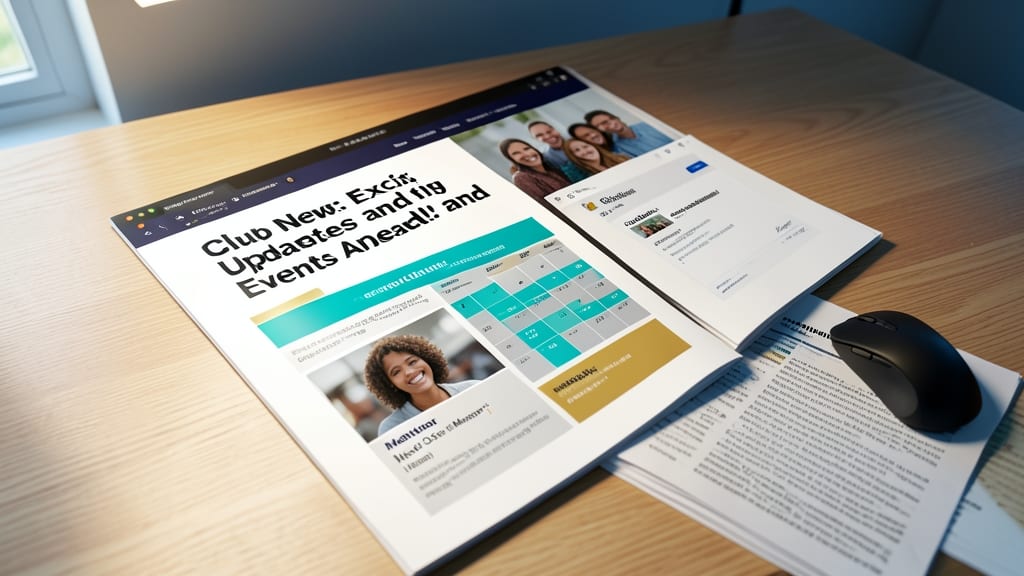
Turn your school club’s energy into a polished, professional newsletter that gets noticed. Using Microsoft Word for design and Outlook for distribution, you can create eye-catching layouts with embedded images, event calendars, and member spotlights—all without needing design experience.
Start with Word’s built-in templates (like "Brochure" or "Newsletter") to format sections for announcements, photos, and deadlines. Then, use Outlook’s email merge to send it to members in one click, with tracking to see who opens it. Add a QR code linking to your club’s social media or sign-up form for extra engagement.
This project is perfect for club officers or student journalists looking to boost participation. It’s also a great way to practice real-world communication skills—just like professionals use to promote events! ✨