
Tip & Trick
Remote work opens doors to flexibility but also exposes you to cyber threats like phishing, malware, and data breaches. These 10 security best practices will help you create an impenetrable digital fortress—no matter where you work.
Multi-Factor Authentication for Every Account
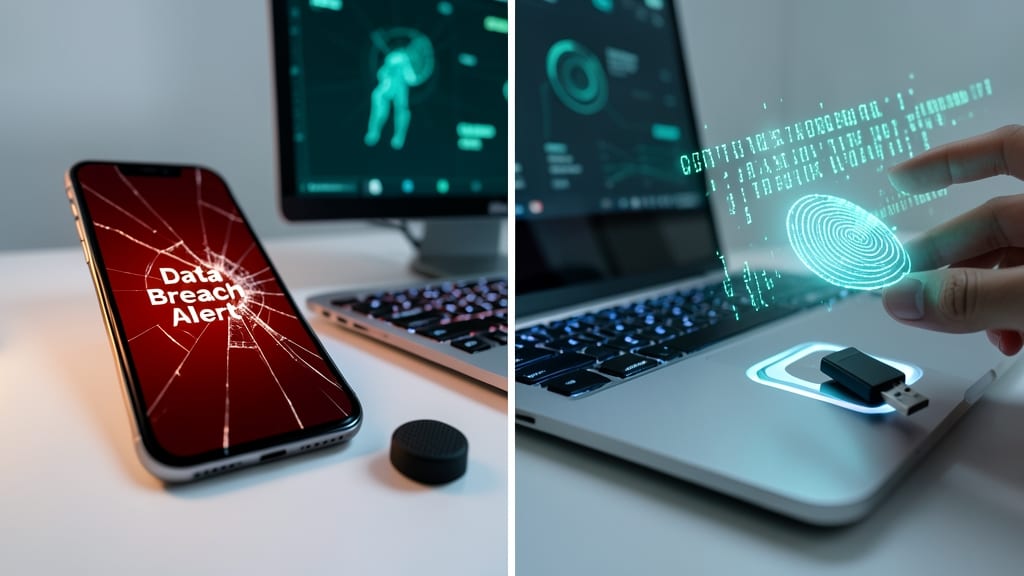
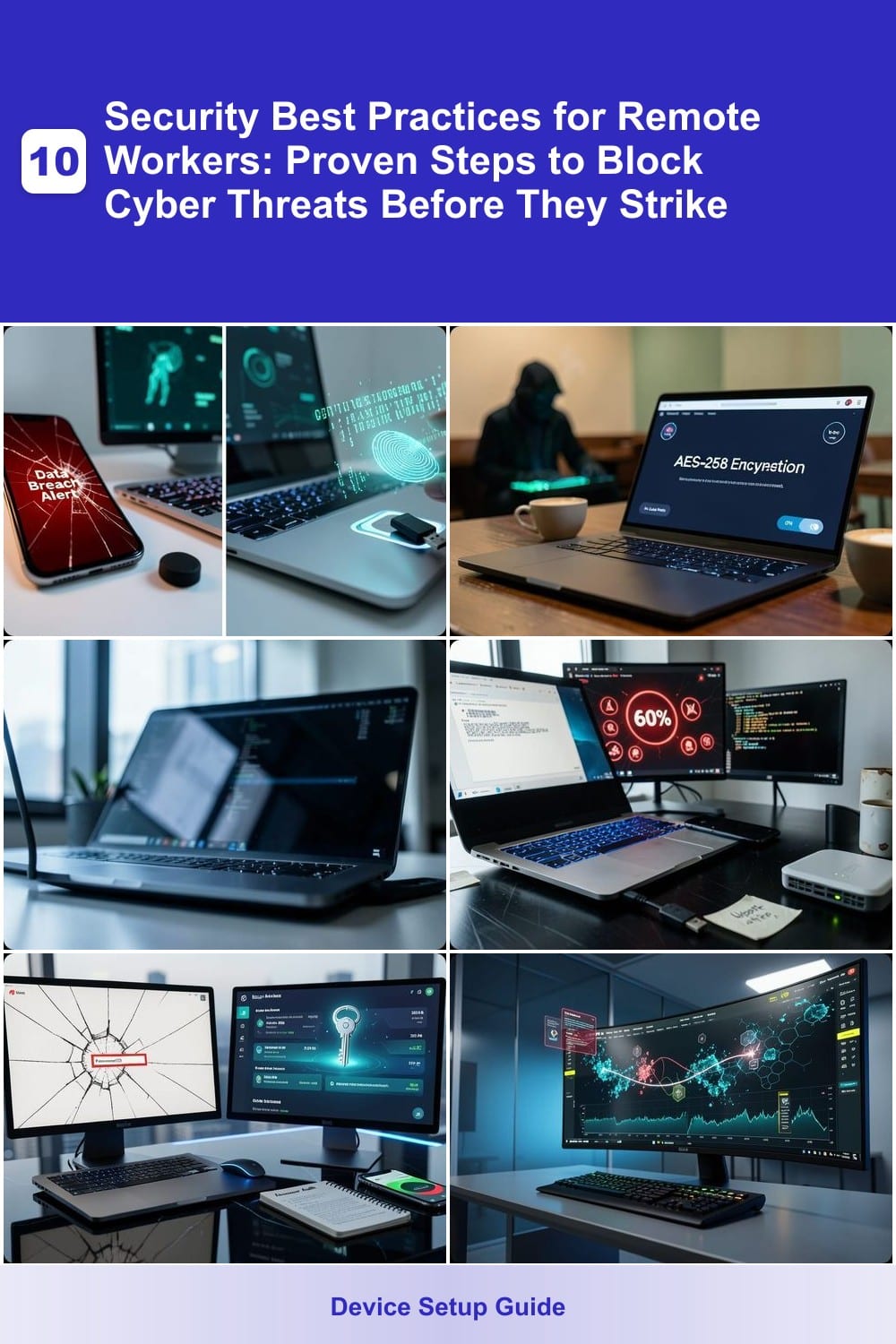
Even if your password gets leaked in a data breach, multi-factor authentication (MFA) acts as an impenetrable second shield. Unlike passwords alone, MFA requires a second verification step—like a fingerprint, code, or hardware token—making unauthorized access nearly impossible without both factors.
Most services (Google, Microsoft, banking apps) now offer free MFA options, including SMS codes, authenticator apps like Google Authenticator or Authy, and FIDO2 security keys for the highest security. Studies show MFA blocks 99.9% of automated attacks, and even basic SMS codes reduce phishing success by 86%. The best part? It takes just seconds to set up and adds minimal friction to your workflow.
This is non-negotiable for remote workers handling sensitive data—whether personal or corporate—and should be enabled on every account, from email to cloud storage. Start with your most critical accounts today. ✨
Secure Virtual Private Network Usage
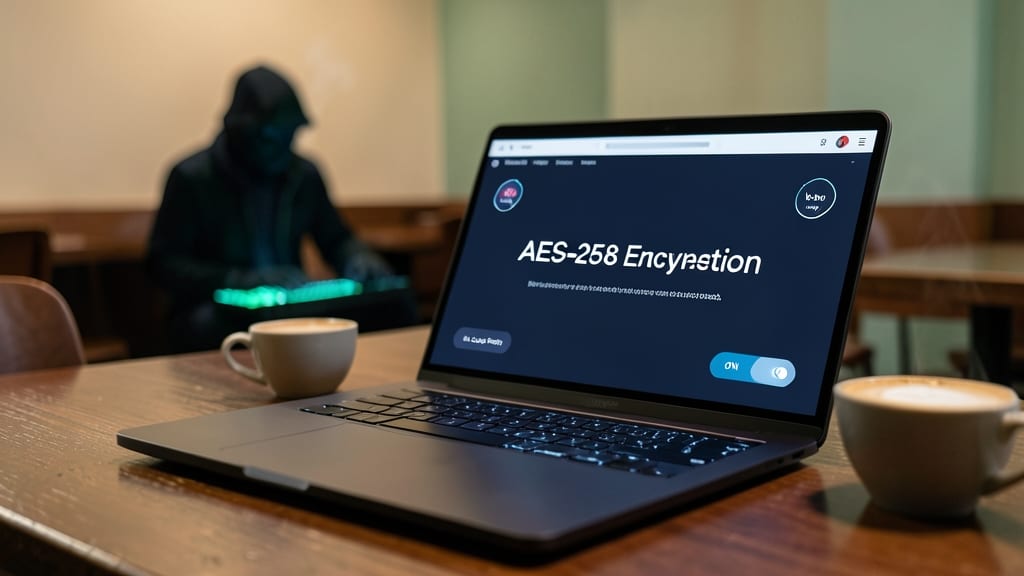
Public Wi-Fi in cafes and hotels is a hacker’s playground—unless you’re using a VPN. A secure VPN encrypts all your traffic, making it impossible for snoops to intercept emails, logins, or sensitive files while you work remotely.
Look for AES-256 encryption, no-logs policies, and kill switches that cut your connection if the VPN drops. Services like ProtonVPN or NordVPN offer ad-blocking and multi-hop routing for extra protection, while their dedicated IP options prevent throttling on streaming or downloads.
This is non-negotiable for freelancers, contractors, or anyone handling client data outside the office. A few clicks to enable a VPN before logging into work apps could save you from a data breach disaster. 💻
Device-Level Encryption for Laptops

Your laptop holds more than just work files—it likely contains sensitive emails, financial data, and confidential projects. Without device-level encryption, a lost or stolen device becomes a goldmine for hackers, bypassing all other security layers you’ve set up.
Most modern operating systems offer built-in full-disk encryption with minimal setup: BitLocker (Windows), FileVault (macOS), or LUKS (Linux). These tools encrypt every file on your drive, requiring a password or PIN to unlock—even if the device is wiped or physically accessed. For extra security, enable TPM (Trusted Platform Module) 2.0 support, which stores encryption keys in hardware, making brute-force attacks nearly impossible. ⚡
This is a must-have for freelancers, corporate employees, and anyone handling sensitive data. Even if your device falls into the wrong hands, encryption ensures your information stays locked away—no matter how determined the thief. 💻
Regular Software Updates and Patches
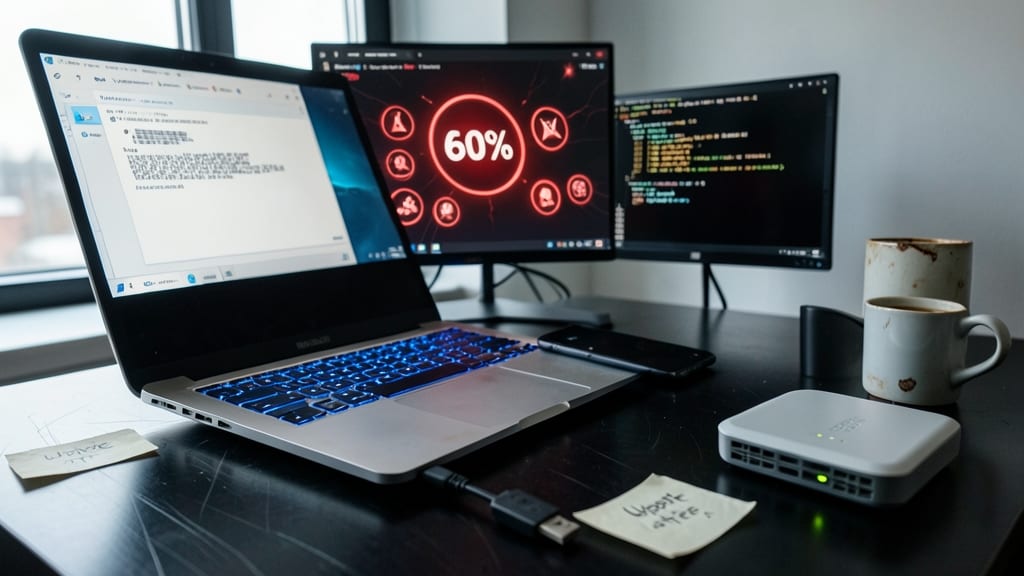
Malware thrives on unpatched systems—60% of cyberattacks exploit known vulnerabilities left unaddressed for weeks or months. The fix? Treating updates like your digital armor, not optional maintenance.
Enable automatic updates for your OS (Windows Update, macOS Software Update, or Linux distro repositories) and critical applications (browsers, PDF readers, VPN clients). Most modern systems let you schedule updates during off-hours to avoid disruptions. For third-party software, set email notifications as a reminder—many breaches start with outdated plugins like Java or Flash.
This is non-negotiable for remote workers handling sensitive data. Even one missed update can turn a simple click into a full-blown infection. 💪
Secure Password Manager Implementation
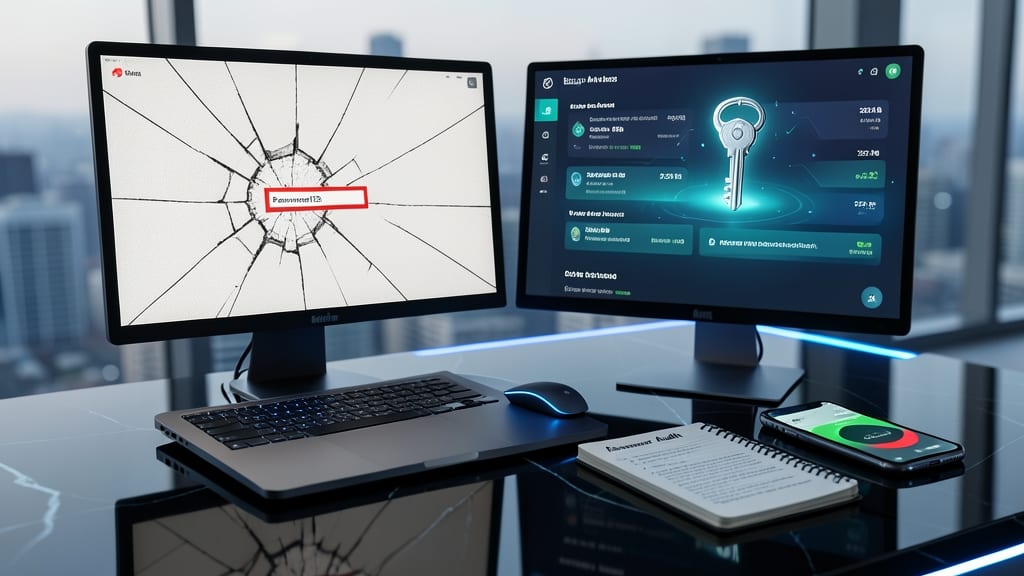
Tired of reusing passwords like "Password123"? A secure password manager like Bitwarden or 1Password acts as your digital vault, generating and storing 256-bit encrypted credentials that even you can’t crack without the master key.
These tools auto-fill logins, flag weak passwords, and alert you to breaches—reducing phishing success rates by up to 80% by eliminating reused credentials. Features like biometric unlocks and zero-knowledge architecture ensure only you control access. Most offer free plans with unlimited password storage.
Perfect for remote workers juggling personal and work accounts, password managers save time while slashing breach risks. Start with one today—your future self will thank you. ✨
Endpoint Detection and Response Tools
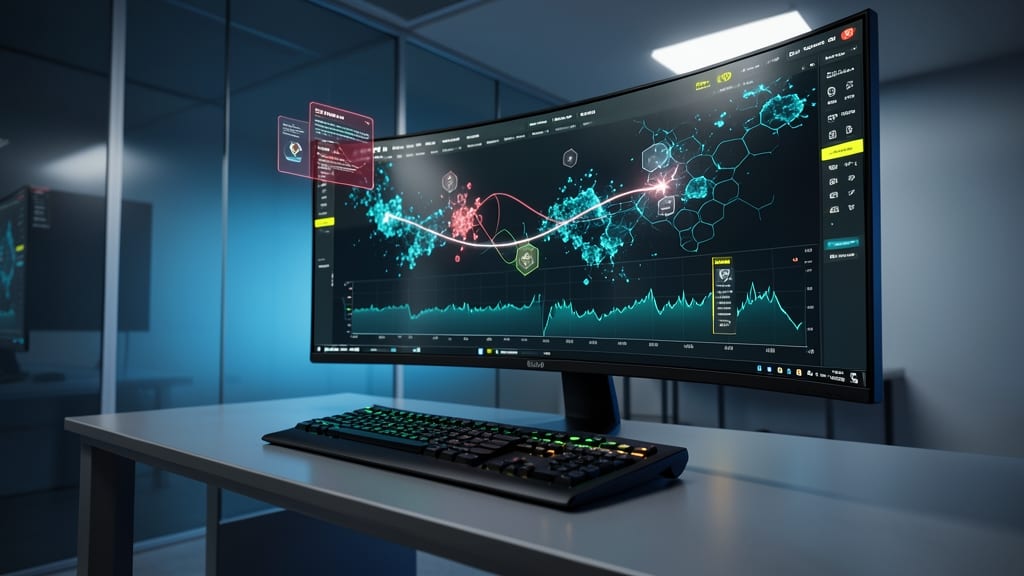
When traditional antivirus tools fail against sophisticated malware, Endpoint Detection and Response (EDR) tools step in like cybersecurity sentinels. These solutions don’t just detect threats—they analyze behavior in real time, stopping zero-day exploits and lateral movement before they cause damage.
Top EDR platforms like CrowdStrike Falcon or Microsoft Defender for Endpoint offer AI-driven threat hunting, automated response actions, and forensic insights. They integrate seamlessly with existing security stacks, providing visibility across all endpoints—even remote devices. For organizations handling sensitive data, the ability to isolate infected machines instantly and roll back changes is a game-changer.
This is your best defense if your team deals with high-value assets or operates in high-risk industries. 💪
Secure Home Office Setup Guide
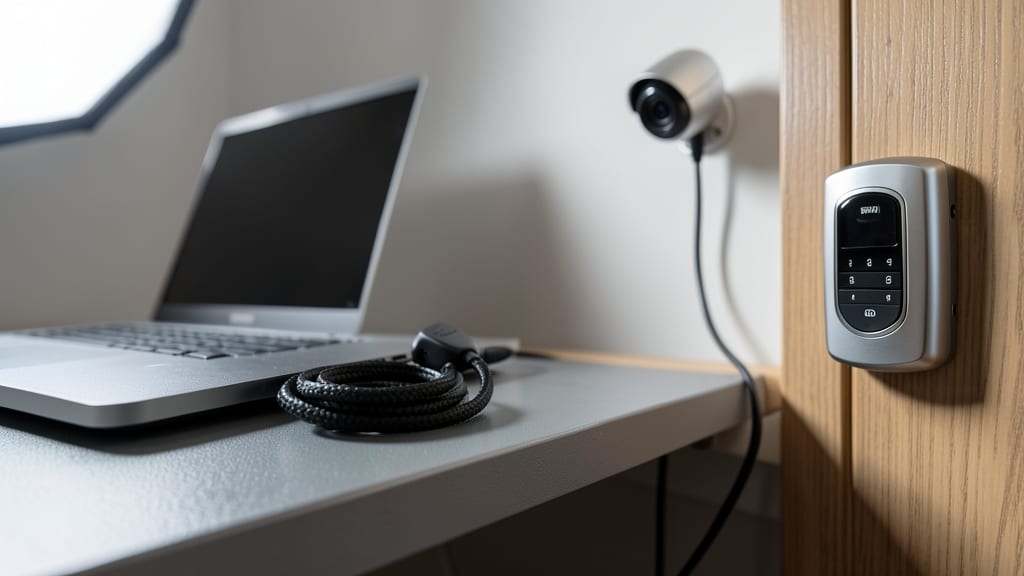
Your digital defenses are strong—but what about your physical workspace? A cable lock ($15) on your laptop when stepping away, paired with a biometric door lock ($100), creates a layered barrier against opportunistic thieves. Even a simple surveillance camera ($60) in your office corner deters unwanted visitors while recording suspicious activity.
For maximum protection, place cameras at eye level (not easily blocked) and avoid pointing at sensitive screens. A USB data blocker ($20) prevents unauthorized devices from infecting your system via malicious cables. These tools turn your home office into a fortified workspace without sacrificing comfort.
Ideal for freelancers, executives, or anyone handling sensitive data—this setup ensures your physical security matches your digital safeguards. 💪
Phishing Simulation and Employee Training
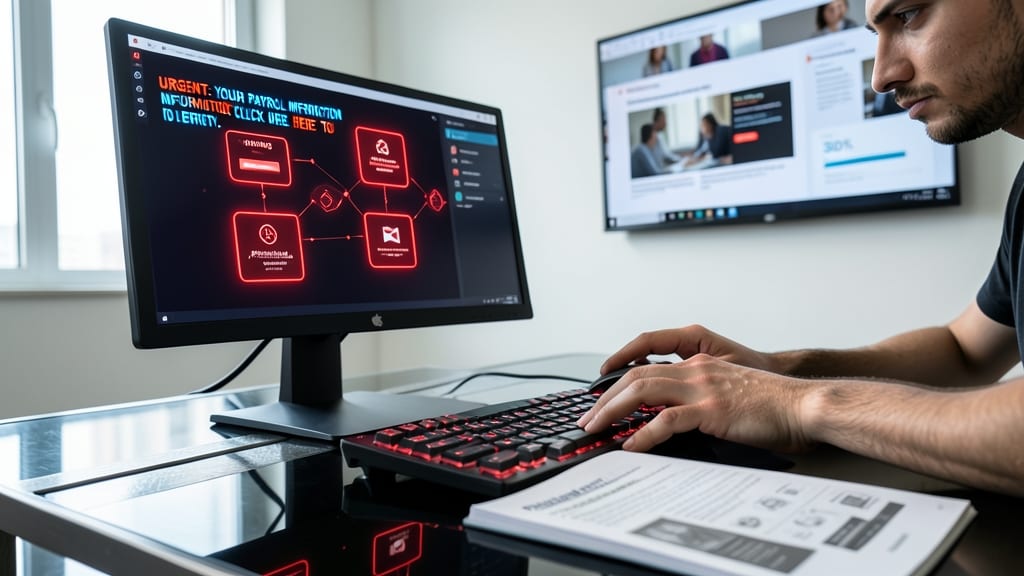
Even with the best tools, 90% of cyber breaches still start with human error—and most employees can’t spot a phishing email until it’s too late. That’s where interactive phishing simulations come in, turning passive training into an engaging game where employees learn by doing, not just reading manuals.
Platforms like KnowBe4 or PhishMe send realistic but safe phishing tests (e.g., fake login pages, urgent "CEO requests") and track who clicks, reports, or ignores them. The best solutions include automated follow-ups for failed tests, customizable templates (e.g., vendor impersonation, invoice scams), and leaderboards to gamify improvement. These tools reduce click rates by up to 70% in just three months.
Ideal for small teams to enterprises, these simulations work best when tied to quarterly training cycles—especially for roles handling payments, HR, or IT. Start with a pilot test to identify weak spots before rolling out company-wide. 💡
Cloud Storage Security Configuration
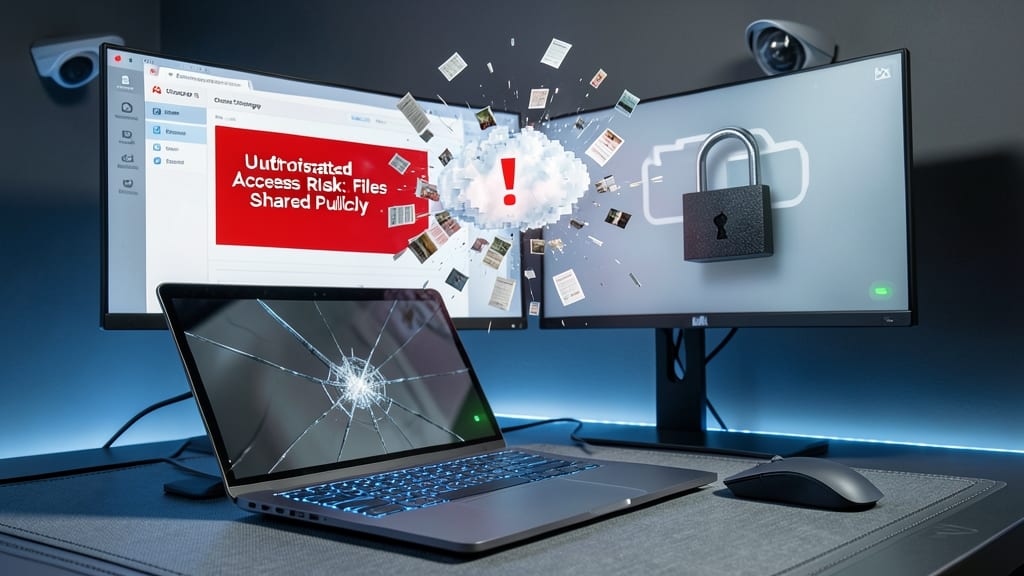
One accidental click can expose years of work—cloud storage leaks happen when sharing settings are misconfigured. The fix? Layered security that locks files before they leave your control, not after.
Start with client-side encryption (like Box or Dropbox’s zero-knowledge options) to ensure files are scrambled before upload. Then, restrict sharing with expiration dates and revocable links—no more forgotten folders sitting open for months. Enable versioning to roll back to clean copies if ransomware strikes, and use role-based access controls (e.g., view-only for contractors) to limit damage from internal mistakes.
This setup is a must for freelancers sharing contracts or teams collaborating on sensitive projects. A few clicks now save hours of cleanup later. ✨
Incident Response Plan Documentation
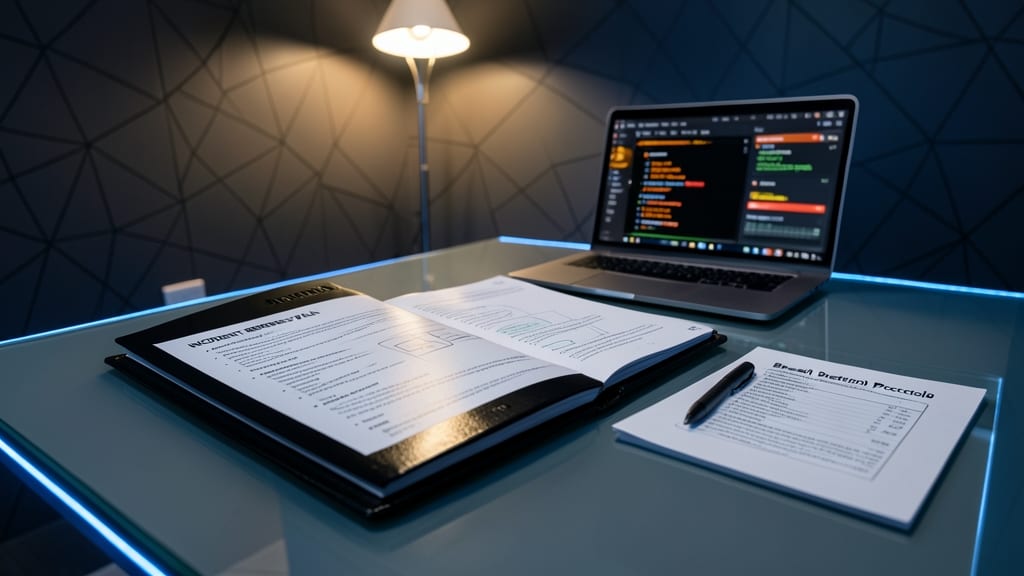
Even the best security measures can fail—so having a pre-built incident response plan is your safety net. This isn’t just a checklist; it’s a structured, step-by-step guide tailored to remote workers, covering everything from initial breach detection to communication protocols and legal compliance. Think of it as your cybersecurity "fire drill"—practiced now so you’re ready when it counts.
Most templates include NIST-aligned frameworks, escalation paths for different threat levels (e.g., phishing vs. ransomware), and pre-approved containment steps like isolating infected devices or revoking compromised credentials. Tools like Splunk’s IR playbooks or IBM’s Resilient platform offer customizable templates that integrate with your existing security stack. The key is documenting roles (who does what) and timelines (e.g., "contain within 1 hour") to avoid costly delays.
This is non-negotiable for freelancers handling client data or corporate teams with remote access. Start with a free template from CISA or your company’s IT team, then refine it with your specific tools—because when seconds matter, you’ll thank yourself for planning ahead. ✨