
Skip to content
Device Setup Guide

Device Setup Guide

  • All Articles
  • App
  • Coding
  • Hardware
  • More
    • Operating System
    • Outlook
    • PowerPoint
    • Review
    • Software
    • Tip & Trick
    • Troubleshooting
    • Windows

PowerPoint — Page 2

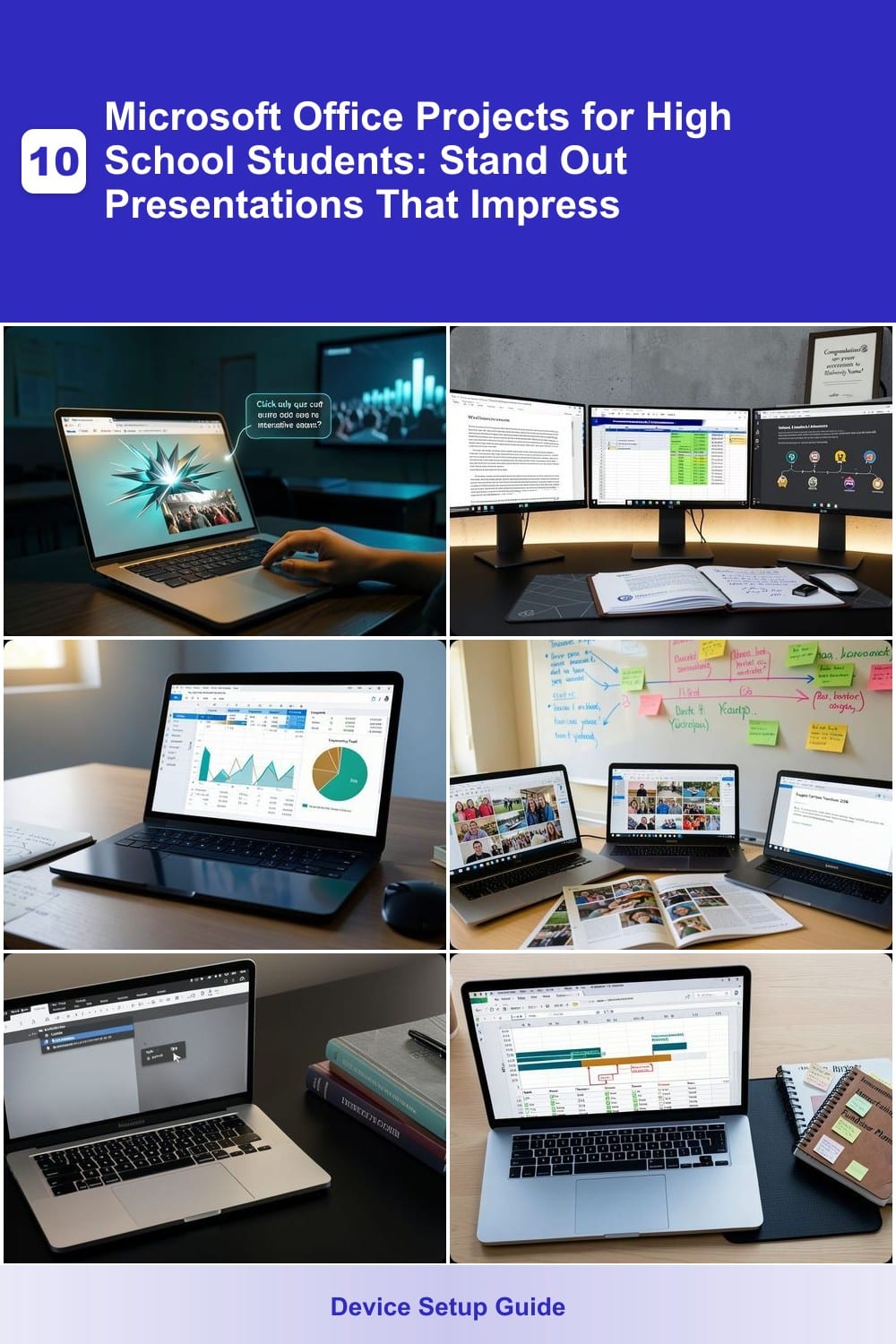
10 Microsoft Office Projects for High School Students: Stand Out Presentations That Impress Teachers
November 3, 2026 by Estelle Mancuso
10 Microsoft Office Projects for High School Students: Stand Out Presentations That Impress Teachers

High school students need projects that showcase creativity and technical skills. These 10 Microsoft Office projects leverage PowerPoint, Excel, Word, and Outlook to create polished, professional work that stands out in…
Read more

Categories PowerPoint

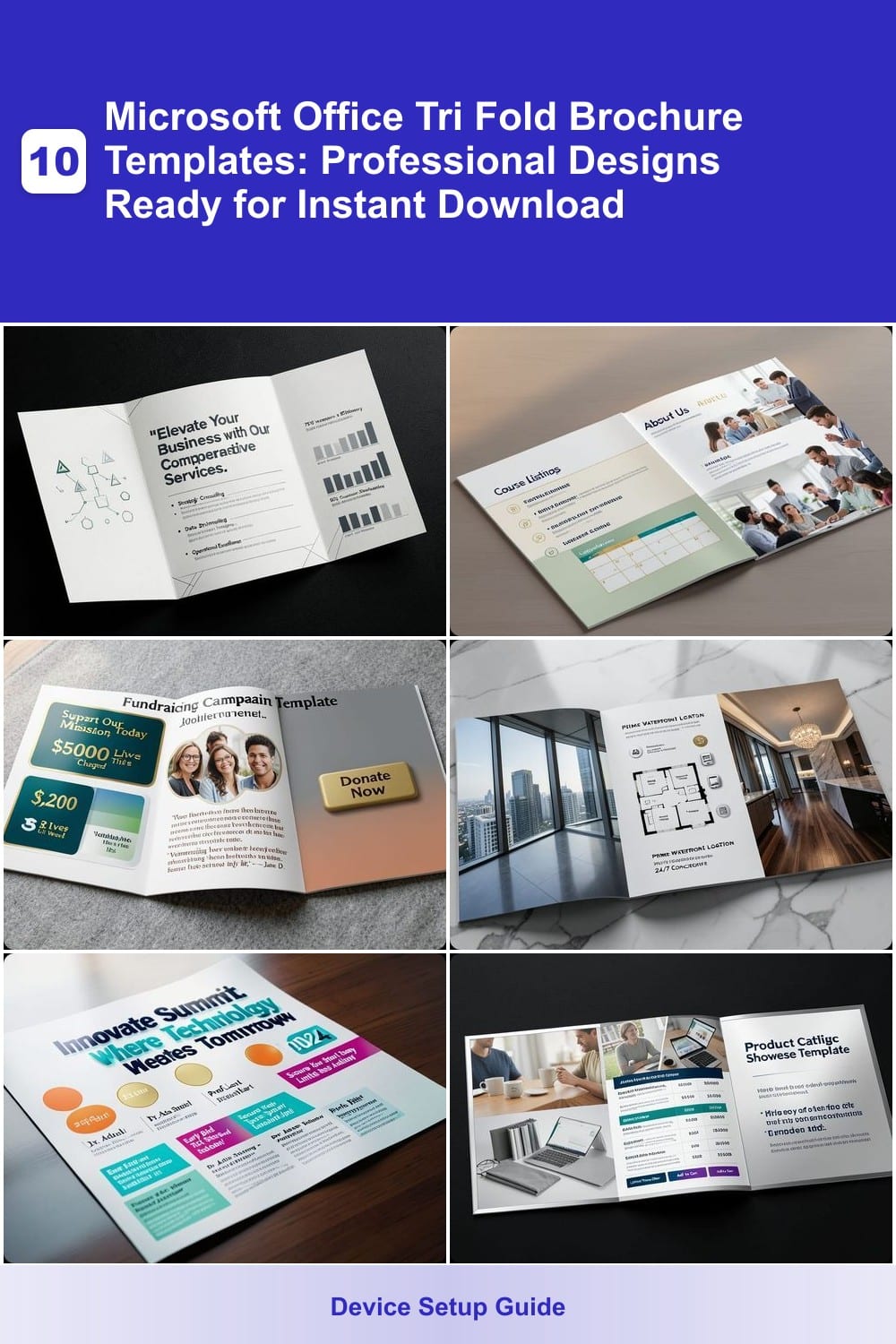
10 Microsoft Office Tri Fold Brochure Templates: Professional Designs Ready for Instant Download

November 3, 2026 by Estelle Mancuso
10 Microsoft Office Tri Fold Brochure Templates: Professional Designs Ready for Instant Download

Need eye-catching tri-fold brochures for your next project but short on design time? These 10 Microsoft Office-compatible templates let you create professional marketing materials in minutes—no graphic design skills…

Read more

Categories PowerPoint

PowerPoint Slideshow: Auto-Timing Hacks for Flawless Presentations

October 11, 2026 by Estelle Mancuso
PowerPoint Slideshow: Auto-Timing Hacks for Flawless Presentations

Setting automatic slide timings in PowerPoint saved me from countless awkward pauses during presentations—especially when my nerves turned my hands into jelly. ⚡ The secret is using the Rehearse Timings feature (press R…

Read more

Categories PowerPoint
Page1Page2

About Me

Estelle Mancuso

Estelle Mancuso
My first computer was a clunky desktop my dad built from parts in his garage, and I spent more time trying to figure out why the screen kept flickering than actually using it. That machine taught me patience—something every tech guide needs in spades. Now, I run this site to cut through the jargon and help people solve real problems, whether it’s troubleshooting a stubborn Windows update or setting up a new router without pulling out their hair.

Learn more

Recent Posts

  • PowerPoint Timer Tutorial: Built-In Animation Clock Without Add-Ins
    PowerPoint Timer Tutorial: Built-In Animation Clock Without Add-Ins
  • Uninstall McAfee Endpoint Security for Mac: Zero-Risk Removal in 3 Commands
    Uninstall McAfee Endpoint Security for Mac: Zero-Risk Removal in 3 Commands
  • How To Uninstall Amazon Flex App: Complete Removal Without Lingering Cache
    How To Uninstall Amazon Flex App: Complete Removal Without Lingering Cache
  • How to Download Videos From Clipchamp: Quick Capture in 3 Clicks
    How to Download Videos From Clipchamp: Quick Capture in 3 Clicks
  • How to Download an Article from a Website: Quick Browser Shortcuts for Instant Saves
    How to Download an Article from a Website: Quick Browser Shortcuts for Instant Saves
  • All Guides
  • About
  • Contact
  • Privacy Policy
  • Cookie Policy
  • Terms of Use
© 2026 devicesetupguide.website