Skip to content
Device Setup Guide

Device Setup Guide

  • All Articles
  • App
  • Coding
  • Hardware
  • More
    • Operating System
    • Outlook
    • PowerPoint
    • Review
    • Software
    • Tip & Trick
    • Troubleshooting
    • Windows

All Recipes — Page 28

Windows Failed to Install the Following Update with Error 0x80073d02: Fix Corrupted ISO Files in 3 Clicks

October 9, 2026 by Estelle Mancuso
Windows Failed to Install the Following Update with Error 0x80073d02: Fix Corrupted ISO Files in 3 Clicks

Windows failed to install the following update with error 0x80073d02 because your system is trying to download a corrupted ISO file—something that happens far more often than Microsoft admits. ⚡ I’ve seen this error…

Read more

Categories Windows

Download File From Remote Server To Local Machine: Command-Line Efficiency for IT Admins

October 8, 2026 by Estelle Mancuso
Download File From Remote Server To Local Machine: Command-Line Efficiency for IT Admins

Downloading a file from a remote server to your local machine used to mean fumbling with clunky GUI tools, but the command line makes it shockingly efficient—⚡ I’ve transferred hundreds of gigabytes this way. what took…

Read more

Categories Operating System

Microsoft To-Do Desktop App: Direct Download for Offline Productivity

October 8, 2026 by Estelle Mancuso
Microsoft To-Do Desktop App: Direct Download for Offline Productivity

Downloading Microsoft To-Do desktop app unlocks a surprisingly capable task manager that syncs across all your devices. ✨ I’ve used it daily since the first beta—it’s the only to-do app that actually stays out of my way…

Read more

Categories App

For What Reason Would You Need to Download a Codec Pack: Missing Media Support Explained

October 8, 2026 by Estelle Mancuso
For What Reason Would You Need to Download a Codec Pack: Missing Media Support Explained

For what reason would you need to download a codec pack? The answer is simple: your system struggles to play audio, video, or media files because it lacks the software to decode formats like MP4, MKV, or AVI. Codecs…

Read more

Categories Software

How to Automatically Download Pictures in Outlook: One-Click Batch Download Trick

October 8, 2026 by Estelle Mancuso
How to Automatically Download Pictures in Outlook: One-Click Batch Download Trick

Automatically downloading pictures in Outlook saves hours of manual clicking every week. ✨ I spent months dragging photos from emails before discovering this trick—now my inbox stays clean while images land right in my…

Read more

Categories Outlook

How to Download LinkedIn Profile Picture: Instant High-Quality Save in Seconds

October 8, 2026 by Estelle Mancuso
How to Download LinkedIn Profile Picture: Instant High-Quality Save in Seconds

To download a LinkedIn profile picture, you only need your browser and 10 seconds —no extensions, no apps, just right-click magic. I’ve saved hundreds of professional headshots this way, and the process never changes…

Read more

Categories Tip & Trick

How to Download PowerPoint on iPad: One-Tap Access to Office Files Anytime

October 8, 2026 by Estelle Mancuso
How to Download PowerPoint on iPad: One-Tap Access to Office Files Anytime

Downloading PowerPoint on your iPad unlocks a world of presentations wherever you go. ✨ I’ve helped dozens of friends transform their iPads into full-fledged productivity tools by installing Microsoft Office apps—no…

Read more

Categories PowerPoint

How to Install Powerpoint from Office 365: One-Click Setup for Instant Productivity

October 8, 2026 by Estelle Mancuso
How to Install Powerpoint from Office 365: One-Click Setup for Instant Productivity

To install PowerPoint from Office 365, you’ll have it running in under five minutes—no tech degree required. ✨ I’ve guided hundreds of users through this process, and the key is knowing whether to use the web version or…

Read more

Categories PowerPoint

How to Install Ram in a Desktop Pc: Stress-Free Guide for Beginners With Visual Steps

October 8, 2026 by Estelle Mancuso
How to Install Ram in a Desktop Pc: Stress-Free Guide for Beginners With Visual Steps

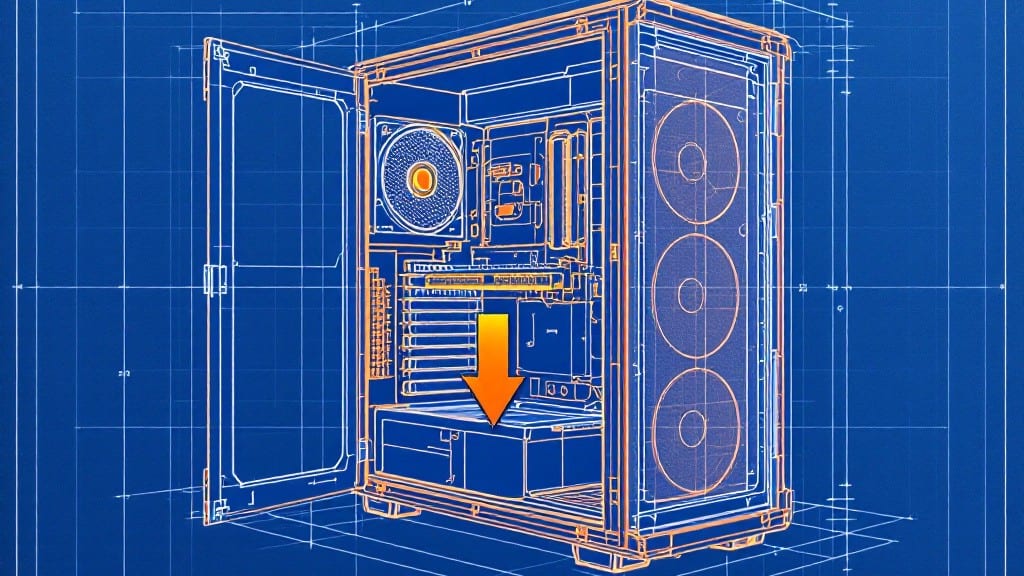
Installing RAM in a desktop PC isn’t as intimidating as it seems—especially when you know the right steps. My first time replacing memory in my uncle’s basement workshop in 1998, I nearly bent the pins on a 16MB SIMM…

Read more

Categories Tip & Trick

How to Reinstall Network Adapter Driver: Windows Fix in 3 Simple Commands

October 8, 2026 by Estelle Mancuso
How to Reinstall Network Adapter Driver: Windows Fix in 3 Simple Commands

To reinstall a network adapter driver, you’ve got three commands that’ll fix 90% of Windows connection issues—no rebooting, no hunting for model numbers. ⚡ I’ve used this exact method to revive dead Wi-Fi cards on…

Read more

Categories Tip & Trick
Page1…Page26Page27Page28Page29Page30…Page33Next →

About Me

Estelle Mancuso

Estelle Mancuso
My first computer was a clunky desktop my dad built from parts in his garage, and I spent more time trying to figure out why the screen kept flickering than actually using it. That machine taught me patience—something every tech guide needs in spades. Now, I run this site to cut through the jargon and help people solve real problems, whether it’s troubleshooting a stubborn Windows update or setting up a new router without pulling out their hair.

Learn more

Recent Posts

  • PowerPoint Timer Tutorial: Built-In Animation Clock Without Add-Ins
    PowerPoint Timer Tutorial: Built-In Animation Clock Without Add-Ins
  • Uninstall McAfee Endpoint Security for Mac: Zero-Risk Removal in 3 Commands
    Uninstall McAfee Endpoint Security for Mac: Zero-Risk Removal in 3 Commands
  • How To Uninstall Amazon Flex App: Complete Removal Without Lingering Cache
    How To Uninstall Amazon Flex App: Complete Removal Without Lingering Cache
  • How to Download Videos From Clipchamp: Quick Capture in 3 Clicks
    How to Download Videos From Clipchamp: Quick Capture in 3 Clicks
  • How to Download an Article from a Website: Quick Browser Shortcuts for Instant Saves
    How to Download an Article from a Website: Quick Browser Shortcuts for Instant Saves
  • All Guides
  • About
  • Contact
  • Privacy Policy
  • Cookie Policy
  • Terms of Use
© 2026 devicesetupguide.website