Skip to content
Device Setup Guide

Device Setup Guide

  • All Articles
  • App
  • Coding
  • Hardware
  • More
    • Operating System
    • Outlook
    • PowerPoint
    • Review
    • Software
    • Tip & Trick
    • Troubleshooting
    • Windows

All Recipes — Page 19

Waiting for Other Installations to Complete: Speed Up Your System’s Pending Updates
October 13, 2026 by Estelle Mancuso
Waiting for Other Installations to Complete: Speed Up Your System’s Pending Updates

That "waiting for other installations to complete" message is the digital equivalent of a traffic jam with no end in sight. ⚡ I’ve seen it freeze systems for hours, and the frustration only grows when you’re on a…

Read more

Categories Troubleshooting

Where Are Microsoft Store Apps Installed: Default Locations Explained

October 13, 2026 by Estelle Mancuso
Where Are Microsoft Store Apps Installed: Default Locations Explained

💥 Quick Answer Microsoft Store apps are installed by default in the C:\Program Files\WindowsApps folder on Windows 10 and 11, where they run in a sandboxed environment for security. Some apps may also create…

Read more

Categories App

Where Can I Download MS Word: Official Sources vs Free Alternatives

October 13, 2026 by Estelle Mancuso
Where Can I Download MS Word: Official Sources vs Free Alternatives

💥 Quick Answer To download MS Word, visit Microsoft's official website for the latest version of Microsoft 365, which includes Word as part of its subscription. Free alternatives like Apache OpenOffice or LibreOffice…

Read more

Categories Tip & Trick

Windows 7 Enterprise SP1 64 Bit Download: Official ISO Source With Verified Hashes

October 13, 2026 by Estelle Mancuso
Windows 7 Enterprise SP1 64 Bit Download: Official ISO Source With Verified Hashes

Downloading the official Windows 7 Enterprise SP1 64-bit ISO with verified hashes keeps your legacy systems secure and compliant. Still running it for critical hardware? You need the right source—Microsoft’s Volume…

Read more

Categories Windows

File Naming Conventions Best Practices Microsoft: Pro Tips to Organize Workflows Flawlessly

October 12, 2026 by Estelle Mancuso
File Naming Conventions Best Practices Microsoft: Pro Tips to Organize Workflows Flawlessly

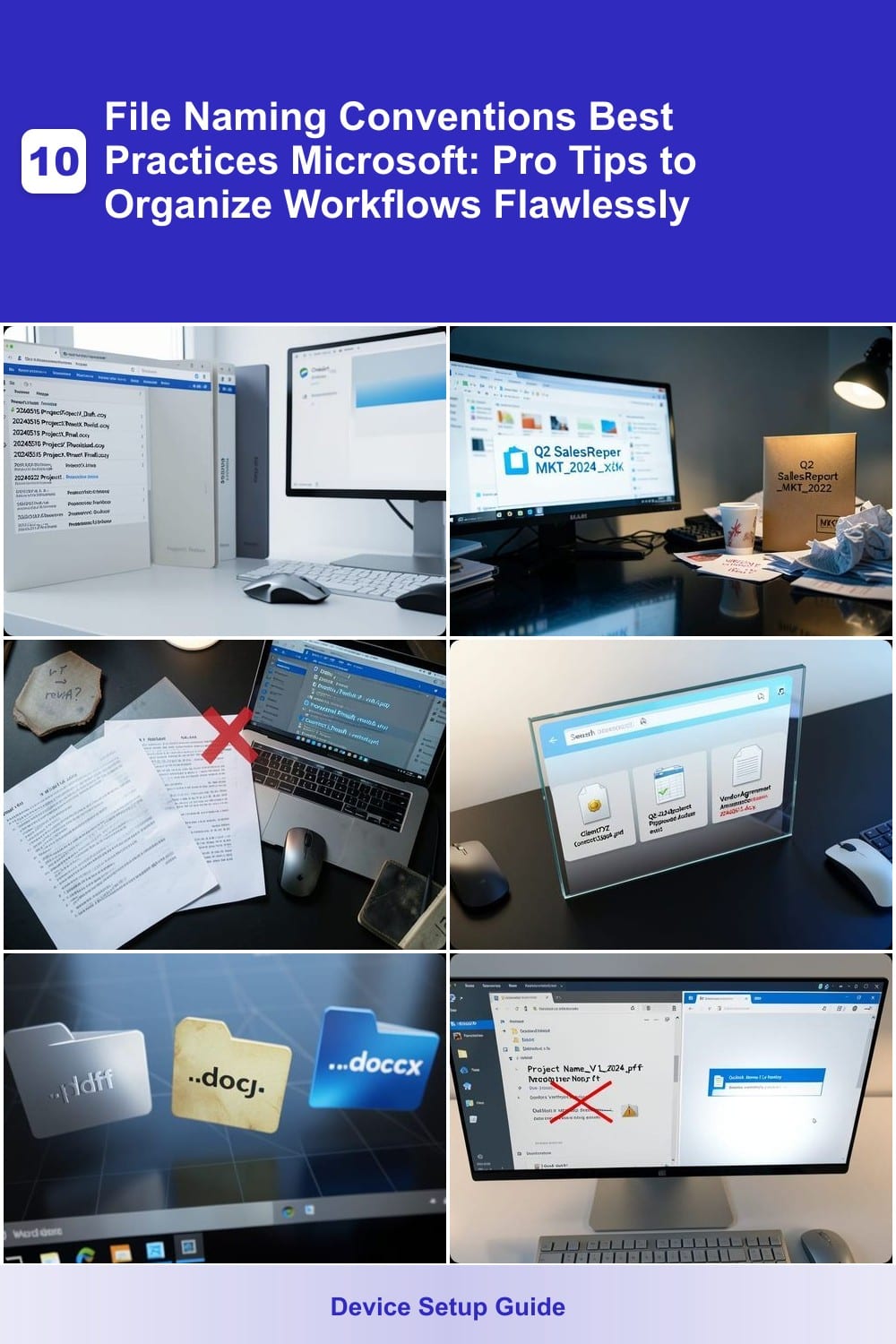
Struggling to keep your Microsoft files organized? Poor file naming creates chaos in workflows, wastes time searching, and risks losing critical documents. These seven proven file naming conventions will transform your…

Read more

Categories Tip & Trick

Free Downloads for Windows Live Movie Maker: Legacy Version with Full Feature Support

October 12, 2026 by Estelle Mancuso
Free Downloads for Windows Live Movie Maker: Legacy Version with Full Feature Support

You can still download Windows Live Movie Maker for free from Microsoft’s official archives—though it’s no longer updated, this 2011 version remains a powerhouse for basic video editing. Microsoft pulled the plug in 2017…

Read more

Categories Windows

How to Change Border Colors in Powerpoint Table: Customize in Seconds With These Pro Tips

October 12, 2026 by Estelle Mancuso
How to Change Border Colors in Powerpoint Table: Customize in Seconds With These Pro Tips

Changing border colors in a PowerPoint table is one of those little tweaks that makes your presentation look instantly more polished. I’ve spent hours fixing tables where someone just used the default black borders—until…

Read more

Categories PowerPoint

How to Download Video From Stream: Instant Capture Without Quality Loss

October 12, 2026 by Estelle Mancuso
How to Download Video From Stream: Instant Capture Without Quality Loss

To download video from stream without losing quality, you’ll need the right tools and a little patience—my first attempt at this in 2005 ended with a corrupted file and a very confused uncle. Modern methods are far more…

Read more

Categories Tip & Trick

How to Insert a Table of Contents in PowerPoint: Click-and-Drag Navigation Made Easy

October 12, 2026 by Estelle Mancuso
How to Insert a Table of Contents in PowerPoint: Click-and-Drag Navigation Made Easy

Inserting a table of contents in PowerPoint transforms your presentation from a linear slideshow into an interactive experience. ✨ I’ve used this trick for years to help clients jump between key sections during client…

Read more

Categories PowerPoint

Installing Application Software on Computers: Error-Free Setup in 5 Simple Commands

October 12, 2026 by Estelle Mancuso
Installing Application Software on Computers: Error-Free Setup in 5 Simple Commands

Installing application software on computers used to feel like navigating a minefield—until I figured out these five universal steps that work across Windows, macOS, and Linux. The key is treating every install like a…

Read more

Categories Software
Page1…Page17Page18Page19Page20Page21…Page33Next →

About Me

Estelle Mancuso

Estelle Mancuso
My first computer was a clunky desktop my dad built from parts in his garage, and I spent more time trying to figure out why the screen kept flickering than actually using it. That machine taught me patience—something every tech guide needs in spades. Now, I run this site to cut through the jargon and help people solve real problems, whether it’s troubleshooting a stubborn Windows update or setting up a new router without pulling out their hair.

Learn more

Recent Posts

  • PowerPoint Timer Tutorial: Built-In Animation Clock Without Add-Ins
    PowerPoint Timer Tutorial: Built-In Animation Clock Without Add-Ins
  • Uninstall McAfee Endpoint Security for Mac: Zero-Risk Removal in 3 Commands
    Uninstall McAfee Endpoint Security for Mac: Zero-Risk Removal in 3 Commands
  • How To Uninstall Amazon Flex App: Complete Removal Without Lingering Cache
    How To Uninstall Amazon Flex App: Complete Removal Without Lingering Cache
  • How to Download Videos From Clipchamp: Quick Capture in 3 Clicks
    How to Download Videos From Clipchamp: Quick Capture in 3 Clicks
  • How to Download an Article from a Website: Quick Browser Shortcuts for Instant Saves
    How to Download an Article from a Website: Quick Browser Shortcuts for Instant Saves
  • All Guides
  • About
  • Contact
  • Privacy Policy
  • Cookie Policy
  • Terms of Use
© 2026 devicesetupguide.website