Skip to content
Device Setup Guide

Device Setup Guide

  • All Articles
  • App
  • Coding
  • Hardware
  • More
    • Operating System
    • Outlook
    • PowerPoint
    • Review
    • Software
    • Tip & Trick
    • Troubleshooting
    • Windows

All Recipes — Page 21

Microsoft Access Database Engine 2019 Download: Direct ISO Source for Full Localization

October 12, 2026 by Estelle Mancuso
Microsoft Access Database Engine 2019 Download: Direct ISO Source for Full Localization

The Microsoft Access Database Engine 2019 download is your gateway to running Access databases on machines without the full suite—if you get it from the right place. Broken links and pirated copies flood the web, but…

Read more

Categories Software

Microsoft Basic Display Adapter Driver Download: Windows 10/11 Compatibility Fixes That Work

October 12, 2026 by Estelle Mancuso
Microsoft Basic Display Adapter Driver Download: Windows 10/11 Compatibility Fixes That Work

Downloading the Microsoft Basic Display Adapter driver fixes display errors when your system lacks proper graphics support. Ever stared at a black screen or distorted text because Windows couldn’t find the right driver…

Read more

Categories Troubleshooting

Microsoft Edge Download for Windows 10: Official Direct Install Guide Without Bloatware

October 12, 2026 by Estelle Mancuso
Microsoft Edge Download for Windows 10: Official Direct Install Guide Without Bloatware

Downloading Microsoft Edge for Windows 10 directly from Microsoft’s servers ensures a clean, fast install without unwanted software. Struggling to avoid bloated installers that clutter your PC? Many users waste hours…

Read more

Categories Windows

Microsoft Essential Download for Windows 8: Legacy Toolpack for .NET 3.5 & Media Features

October 12, 2026 by Estelle Mancuso
Microsoft Essential Download for Windows 8: Legacy Toolpack for .NET 3.5 & Media Features

The Microsoft Essential Download for Windows 8 toolpack brings back .NET 3.5 and Windows Media Player 12 —critical for older apps and legacy media files. Struggling to run older applications or access legacy media…

Read more

Categories Windows

Microsoft Lync 2010 Client 64-Bit Download: Official Legacy Version for Windows 7/10

October 12, 2026 by Estelle Mancuso
Microsoft Lync 2010 Client 64-Bit Download: Official Legacy Version for Windows 7/10

The Microsoft Lync 2010 client download 64-bit version remains essential for legacy systems running Windows 7 or 10, but finding the official file safely is tricky. Still relying on Lync 2010 for business calls? The…

Read more

Categories Software

Microsoft Lync Web App Plugin Download: Direct Links for Legacy System Compatibility

October 12, 2026 by Estelle Mancuso
Microsoft Lync Web App Plugin Download: Direct Links for Legacy System Compatibility

Downloading the Microsoft Lync Web App plugin keeps legacy systems connected to critical communication tools—here’s the direct link and what you need to know before installing. Older browsers like Internet Explorer 11 or…

Read more

Categories App

10 Microsoft Teams Channels Best Practices: Proven Ways to Boost Team Productivity and Organization

October 12, 2026 by Estelle Mancuso
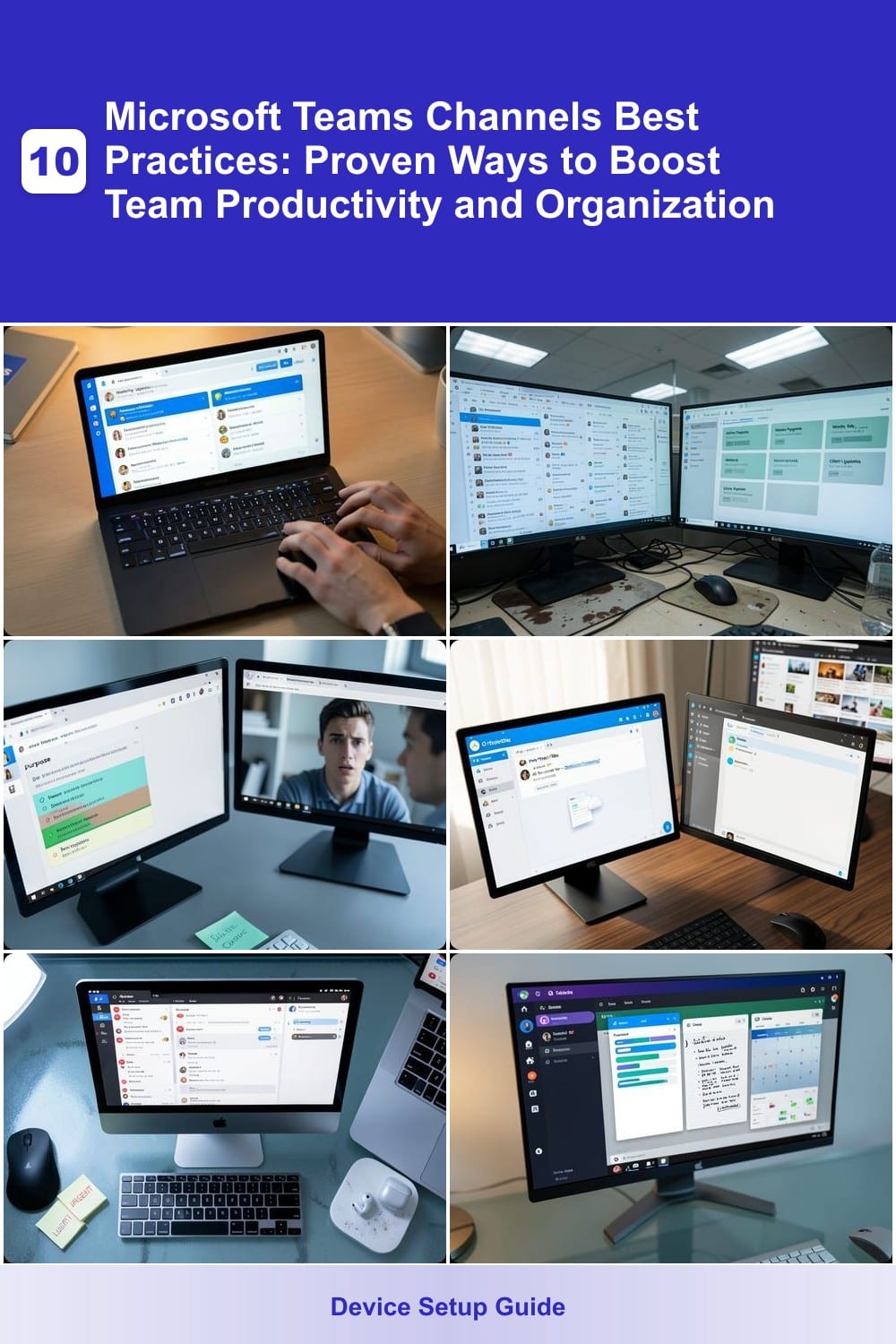
10 Microsoft Teams Channels Best Practices: Proven Ways to Boost Team Productivity and Organization

Struggling with disorganized Microsoft Teams channels? These 10 proven best practices will transform your workflow, enhance collaboration, and ensure critical information stays accessible—without the chaos. 1 Standardize…

Read more

Categories Software

Microsoft Windows Security SPP: Bypass Errors in 5 Steps Without Admin Rights

October 12, 2026 by Estelle Mancuso
Microsoft Windows Security SPP: Bypass Errors in 5 Steps Without Admin Rights

The Microsoft Windows Security SPP error blocks updates and locks out activation—even when your license is valid. Picture this: your PC suddenly refuses security patches, and the "Activation Required" nag screen pops up…

Read more

Categories Windows

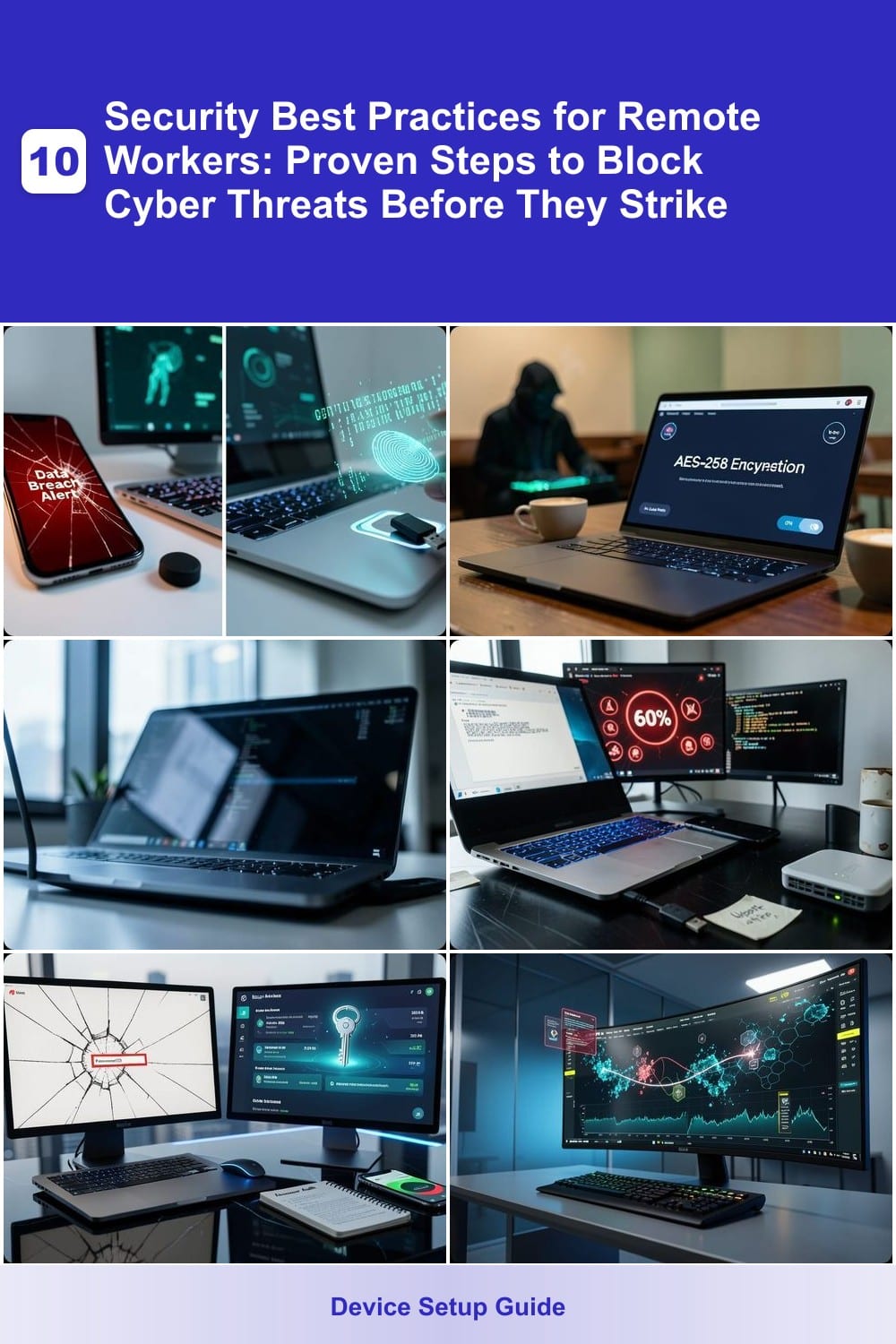
10 Security Best Practices for Remote Workers: Proven Steps to Block Cyber Threats Before They Strike

October 12, 2026 by Estelle Mancuso
10 Security Best Practices for Remote Workers: Proven Steps to Block Cyber Threats Before They Strike

Remote work opens doors to flexibility but also exposes you to cyber threats like phishing, malware, and data breaches. These 10 security best practices will help you create an impenetrable digital fortress—no matter…

Read more

Categories Tip & Trick

SMS Notification When Mailbox Is Full: Alerts That Never Miss a Message

October 12, 2026 by Estelle Mancuso
SMS Notification When Mailbox Is Full: Alerts That Never Miss a Message

An sms notification when my mailbox was full would have saved me last week when I missed those critical emails. That’s when I realized how much I needed SMS alerts for full mailboxes—no more missed messages or frantic…

Read more

Categories Troubleshooting
Page1…Page19Page20Page21Page22Page23…Page33Next →

About Me

Estelle Mancuso

Estelle Mancuso
My first computer was a clunky desktop my dad built from parts in his garage, and I spent more time trying to figure out why the screen kept flickering than actually using it. That machine taught me patience—something every tech guide needs in spades. Now, I run this site to cut through the jargon and help people solve real problems, whether it’s troubleshooting a stubborn Windows update or setting up a new router without pulling out their hair.

Learn more

Recent Posts

  • PowerPoint Timer Tutorial: Built-In Animation Clock Without Add-Ins
    PowerPoint Timer Tutorial: Built-In Animation Clock Without Add-Ins
  • Uninstall McAfee Endpoint Security for Mac: Zero-Risk Removal in 3 Commands
    Uninstall McAfee Endpoint Security for Mac: Zero-Risk Removal in 3 Commands
  • How To Uninstall Amazon Flex App: Complete Removal Without Lingering Cache
    How To Uninstall Amazon Flex App: Complete Removal Without Lingering Cache
  • How to Download Videos From Clipchamp: Quick Capture in 3 Clicks
    How to Download Videos From Clipchamp: Quick Capture in 3 Clicks
  • How to Download an Article from a Website: Quick Browser Shortcuts for Instant Saves
    How to Download an Article from a Website: Quick Browser Shortcuts for Instant Saves
  • All Guides
  • About
  • Contact
  • Privacy Policy
  • Cookie Policy
  • Terms of Use
© 2026 devicesetupguide.website