Skip to content
Device Setup Guide

Device Setup Guide

  • All Articles
  • App
  • Coding
  • Hardware
  • More
    • Operating System
    • Outlook
    • PowerPoint
    • Review
    • Software
    • Tip & Trick
    • Troubleshooting
    • Windows

All Recipes — Page 12

10 Free Excel Templates for Small Business: Boost Productivity Without the Cost
November 3, 2026 by Estelle Mancuso
10 Free Excel Templates for Small Business: Boost Productivity Without the Cost

Small business owners need powerful tools to stay organized—but expensive software isn’t always an option. These 10 free Excel templates help you track finances, manage projects, and streamline operations without…
Read more

Categories Software

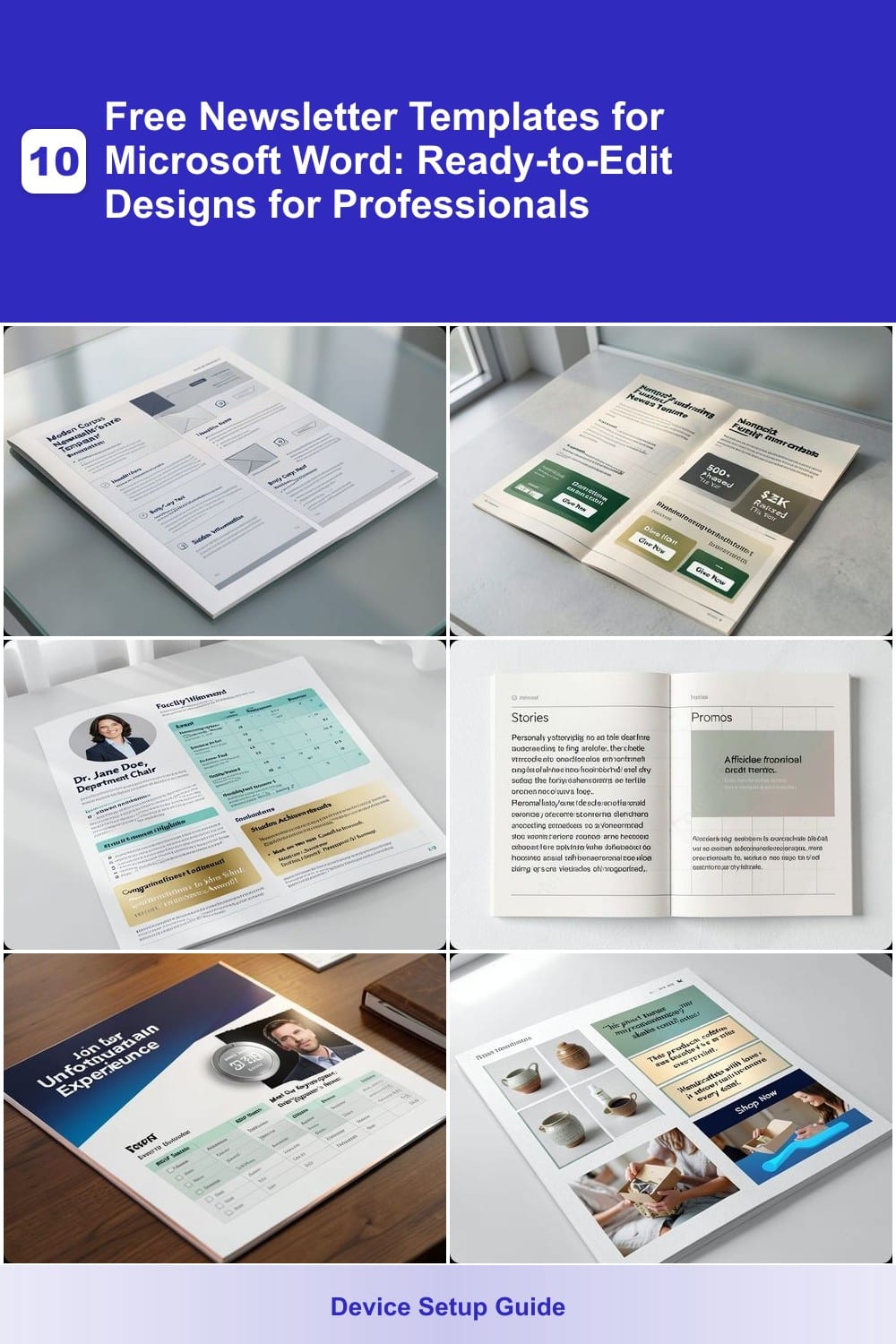
10 Free Newsletter Templates for Microsoft Word: Ready-to-Edit Designs for Professionals

November 3, 2026 by Estelle Mancuso
10 Free Newsletter Templates for Microsoft Word: Ready-to-Edit Designs for Professionals

Struggling to create professional newsletters in Microsoft Word without spending hours on design? These 10 free, ready-to-edit templates will help you craft polished, branded communications in minutes—no graphic design…

Read more

Categories Software

How to Install Onenote for Windows 10: Step-by-Step Installation Made Simple

November 3, 2026 by Estelle Mancuso
How to Install Onenote for Windows 10: Step-by-Step Installation Made Simple

Installing OneNote on Windows 10 is simpler than you'd think—especially when you follow the right path. 💻 I’ve walked dozens of friends through this exact process, and the Microsoft Store method takes less than three…

Read more

Categories Windows

10 Keyboard Symbols That Start With "A": Quick Typing Shortcuts for Everyday Use

November 3, 2026 by Estelle Mancuso
10 Keyboard Symbols That Start With "A": Quick Typing Shortcuts for Everyday Use

Mastering keyboard shortcuts can transform your typing speed and efficiency. These 10 underused symbols starting with 'A'—often overlooked—are essential for coding, formatting, and everyday document work across Windows…

Read more

Categories Tip & Trick

List of Transition Effects in Powerpoint: Smooth Slideshows That Wow Your Audience

November 3, 2026 by Estelle Mancuso
List of Transition Effects in Powerpoint: Smooth Slideshows That Wow Your Audience

Want to make your PowerPoint presentations more engaging? These seven transition effects will transform your slideshows from boring to breathtaking, helping you hold your audience’s attention and deliver a polished…

Read more

Categories PowerPoint

10 Excel Math and Trig Functions: Master Formulas for Data Analysis

November 3, 2026 by Estelle Mancuso
10 Excel Math and Trig Functions: Master Formulas for Data Analysis

Excel’s math and trigonometric functions unlock powerful data analysis capabilities—from financial modeling to engineering calculations. These 10 essential formulas will transform how you crunch numbers, automate complex…

Read more

Categories Coding

Microsoft 365 Word Tips and Tricks Read Online: Hidden Features That Boost Productivity Daily

November 3, 2026 by Estelle Mancuso
Microsoft 365 Word Tips and Tricks Read Online: Hidden Features That Boost Productivity Daily

Microsoft Word is the go-to tool for documents, but most users only scratch the surface of its capabilities. These seven hidden Microsoft 365 Word tips and tricks will transform how you work—saving time, improving…

Read more

Categories Tip & Trick

Microsoft Bringing Teams Reminders to Menu: Hidden Menu Features You Didn’t Know Exist

November 3, 2026 by Estelle Mancuso
Microsoft Bringing Teams Reminders to Menu: Hidden Menu Features You Didn’t Know Exist

Microsoft is quietly transforming Microsoft Teams with new hidden menu features, including reminders that can streamline your workflow. These under-the-radar tools help you automate tasks, manage deadlines, and boost…

Read more

Categories Software

10 Microsoft Office Projects for High School Students: Stand Out Presentations That Impress Teachers

November 3, 2026 by Estelle Mancuso
10 Microsoft Office Projects for High School Students: Stand Out Presentations That Impress Teachers

High school students need projects that showcase creativity and technical skills. These 10 Microsoft Office projects leverage PowerPoint, Excel, Word, and Outlook to create polished, professional work that stands out in…

Read more

Categories PowerPoint

10 Microsoft Office Tri Fold Brochure Templates: Professional Designs Ready for Instant Download

November 3, 2026 by Estelle Mancuso
10 Microsoft Office Tri Fold Brochure Templates: Professional Designs Ready for Instant Download

Need eye-catching tri-fold brochures for your next project but short on design time? These 10 Microsoft Office-compatible templates let you create professional marketing materials in minutes—no graphic design skills…

Read more

Categories PowerPoint
Page1…Page10Page11Page12Page13Page14…Page33Next →

About Me

Estelle Mancuso

Estelle Mancuso
My first computer was a clunky desktop my dad built from parts in his garage, and I spent more time trying to figure out why the screen kept flickering than actually using it. That machine taught me patience—something every tech guide needs in spades. Now, I run this site to cut through the jargon and help people solve real problems, whether it’s troubleshooting a stubborn Windows update or setting up a new router without pulling out their hair.

Learn more

Recent Posts

  • PowerPoint Timer Tutorial: Built-In Animation Clock Without Add-Ins
    PowerPoint Timer Tutorial: Built-In Animation Clock Without Add-Ins
  • Uninstall McAfee Endpoint Security for Mac: Zero-Risk Removal in 3 Commands
    Uninstall McAfee Endpoint Security for Mac: Zero-Risk Removal in 3 Commands
  • How To Uninstall Amazon Flex App: Complete Removal Without Lingering Cache
    How To Uninstall Amazon Flex App: Complete Removal Without Lingering Cache
  • How to Download Videos From Clipchamp: Quick Capture in 3 Clicks
    How to Download Videos From Clipchamp: Quick Capture in 3 Clicks
  • How to Download an Article from a Website: Quick Browser Shortcuts for Instant Saves
    How to Download an Article from a Website: Quick Browser Shortcuts for Instant Saves
  • All Guides
  • About
  • Contact
  • Privacy Policy
  • Cookie Policy
  • Terms of Use
© 2026 devicesetupguide.website